Unstake DOT from a Liquid Crowdloan project
Before you start
Ensure the following:
- You are using a Chrome Browser.
- You have a MetaMask wallet extension installed and set up in Chrome.
- You have a Polkadot.js wallet extension installed and set up in Chrome.
Connect MetaMask
To unstake, you will need both MetaMask and Polkadot.js wallets.
Let's connect MetaMask first:
- Switch to Ethereum Mainnet in MetaMask.
- Visit the Liquid Crowdloan page in Ankr Staking.
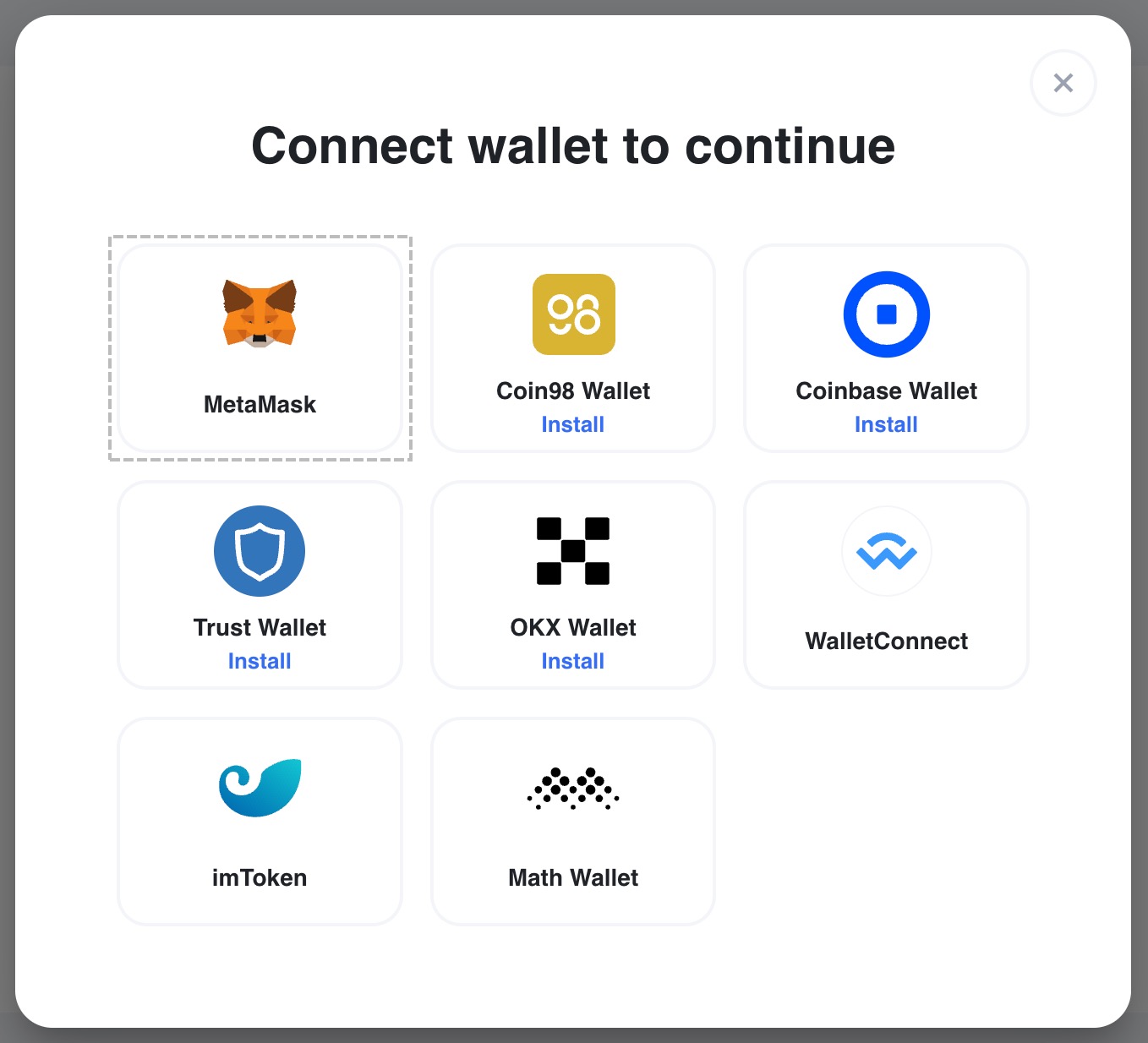
- Click the MetaMask box in the wallet connection popup and proceed to connect your wallet.
 tip
tip
If after you've connected MetaMask, you see the "Failed to get rewards data" message, switch to Ethereum Mainnet in MetaMask, reload the page, and connect your wallet again. :::
Connect Polkadot.js
To unstake, you will need both MetaMask and Polkadot.js wallets.
Once you have connected MetMask, you can connect Polkadot.js:
- Visit the Liquid Crowdloan page in Ankr Staking.
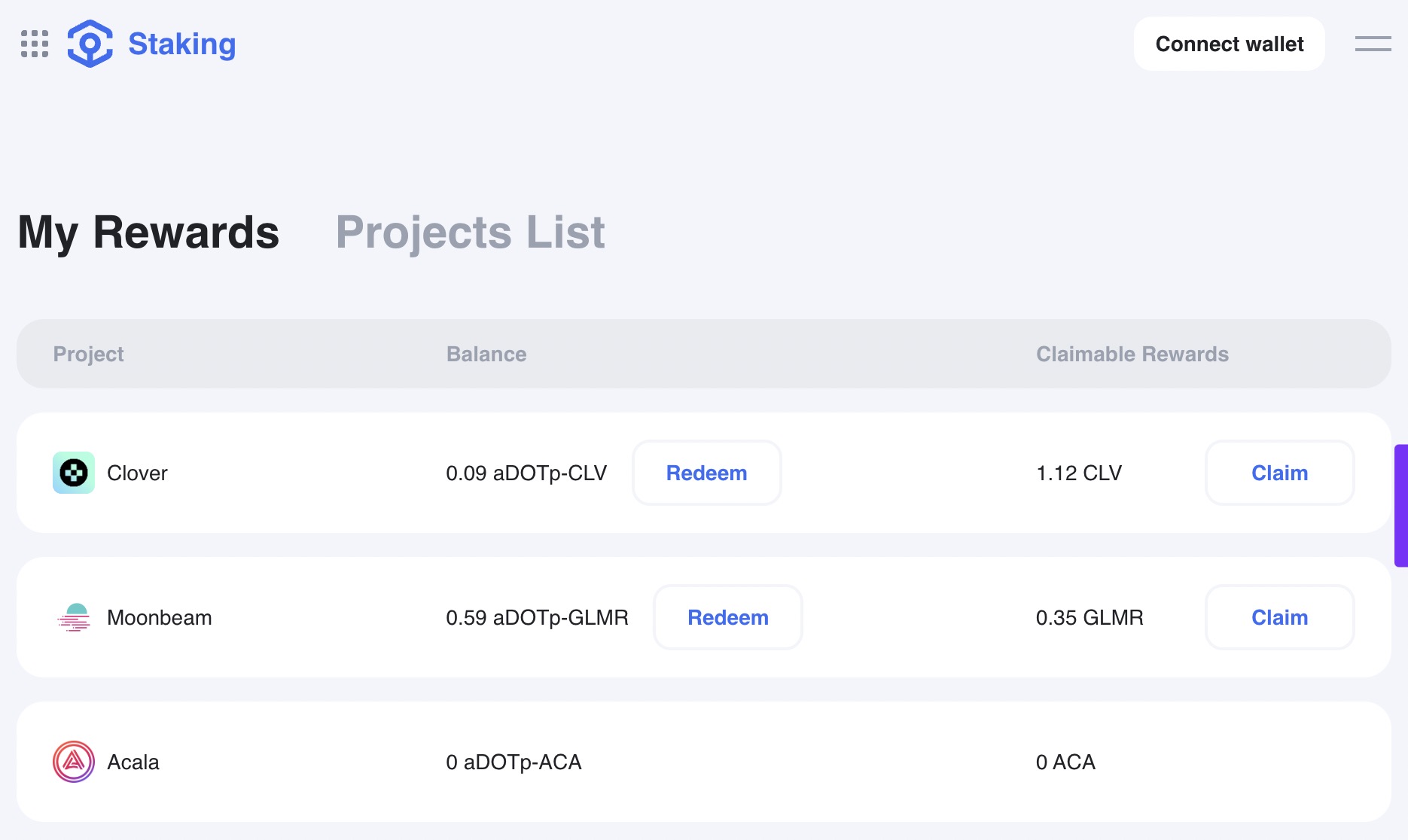
- Click Connect wallet.
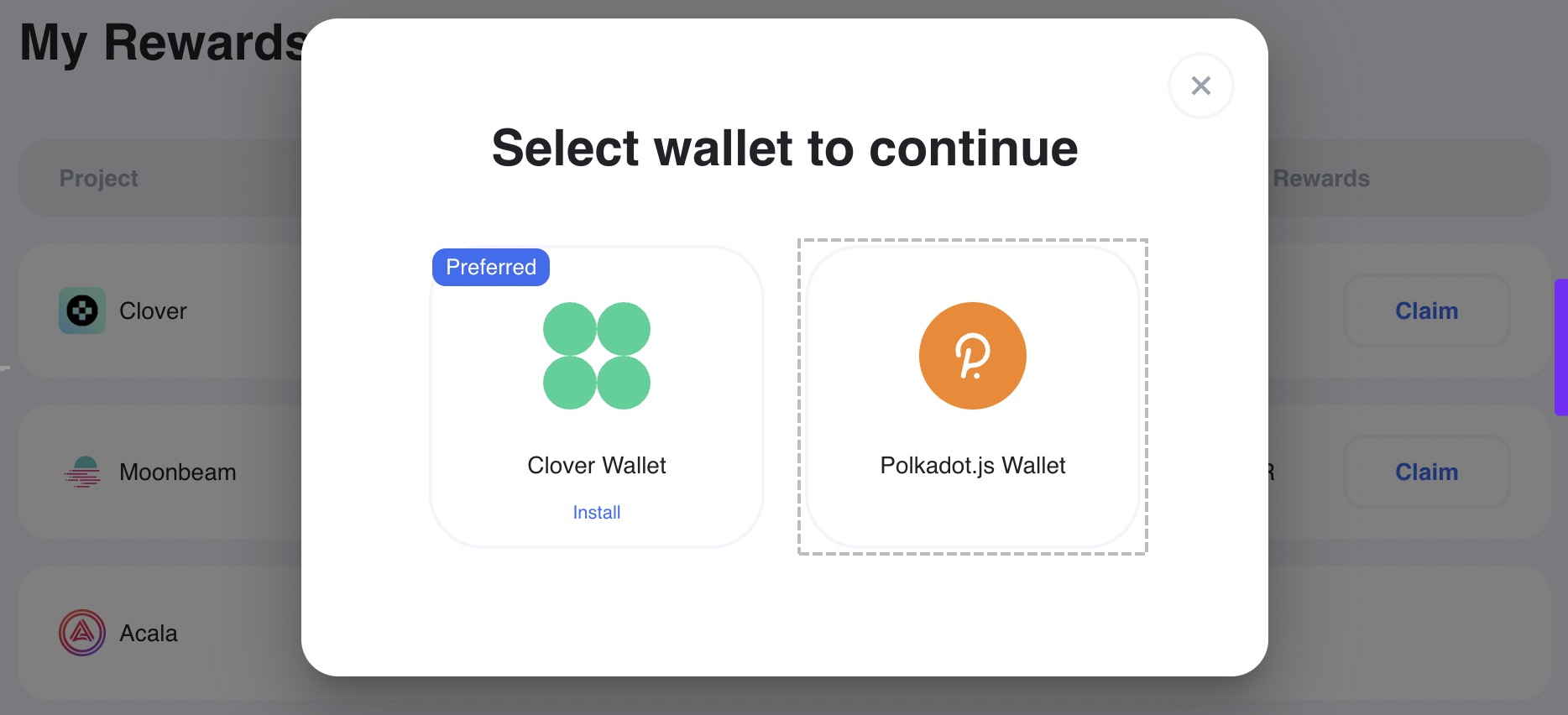
- Choose Polkadot.js and proceed to connect it.
Claim rewards
If you unstake (redeem) before claiming your rewards, you will lose them.
Let's claim your rewards first:
- Having connected your wallets, check your projects at the Liquid Crowdloan page.
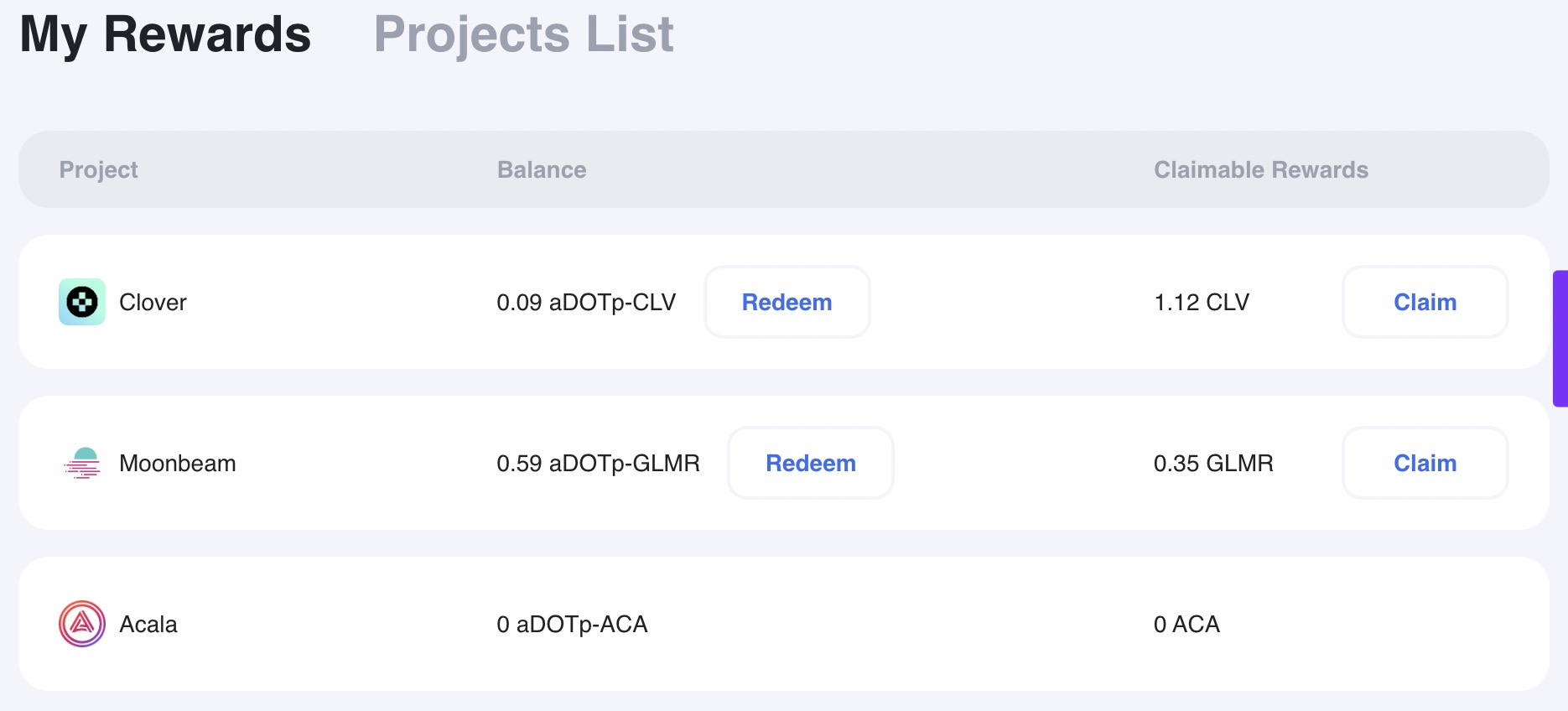
- Click Claim next to a project with unclaimed rewards.
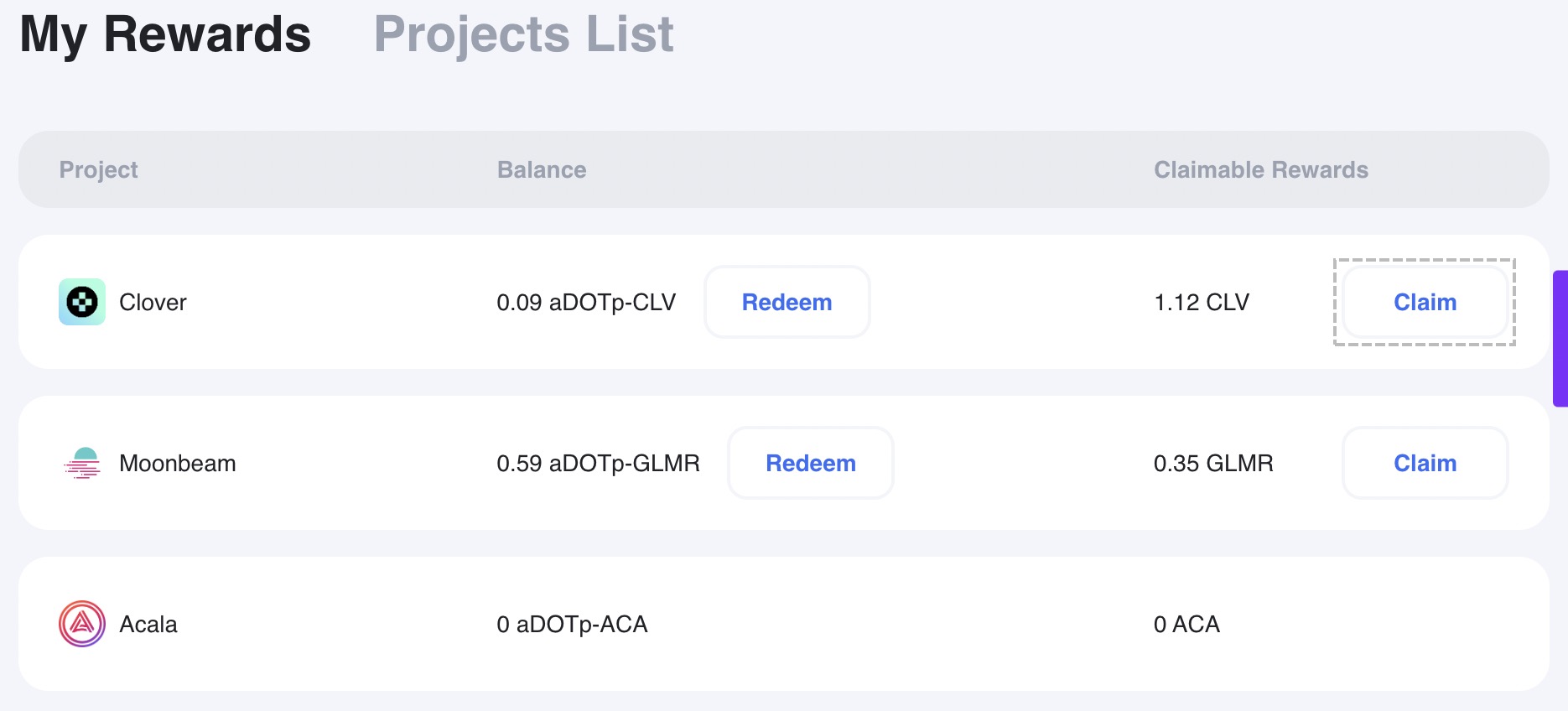 tip
tip
If you see a popup with the Clover and Polkadot.js wallets, connect Polkadot.js. ::: 4. Enter a Polkadot-compatible address and click Continue.
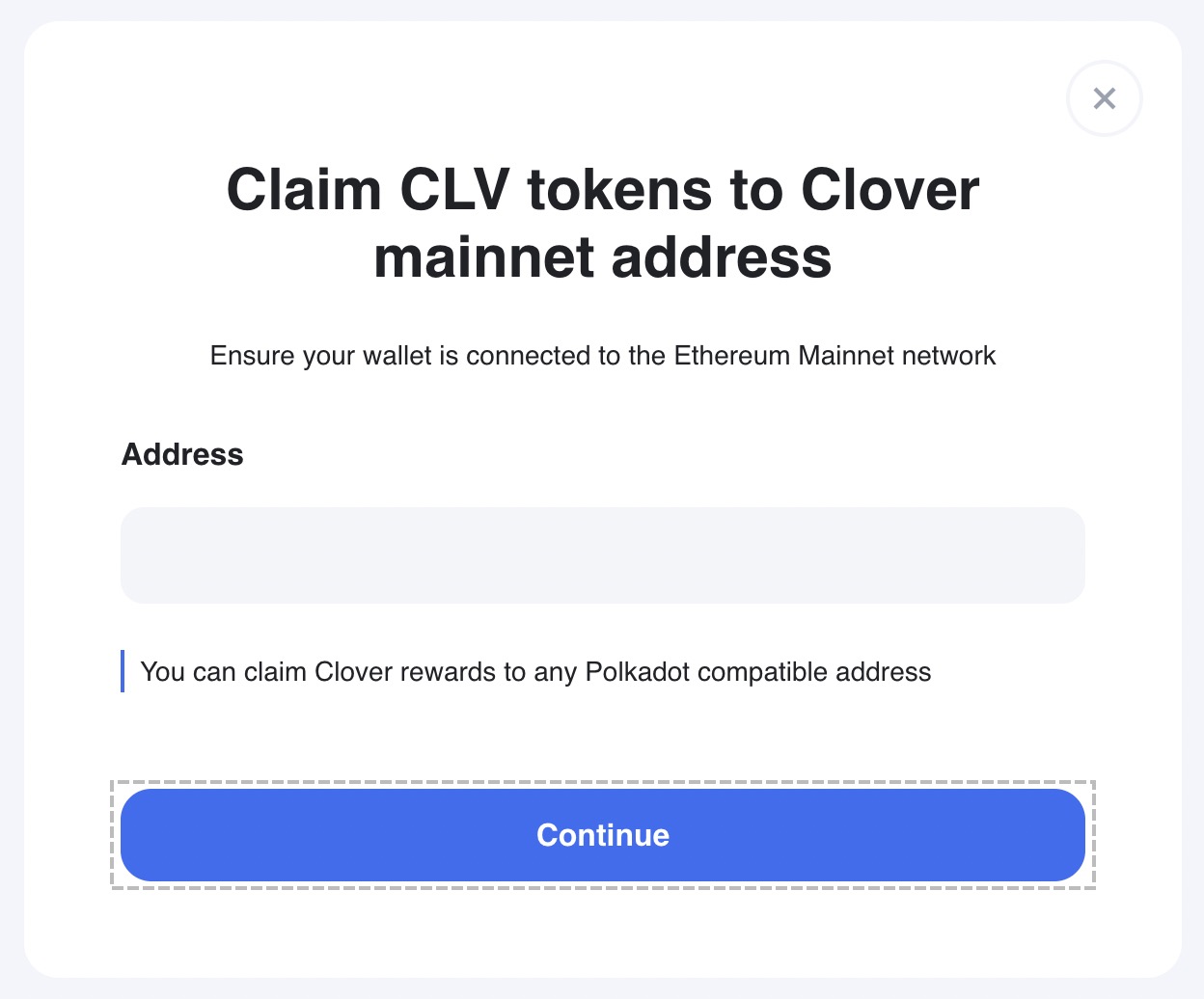
- Confirm the withdrawal transaction in MetaMask.
- Wait a few moments to see the success message. The rewards will be released to you in 1-2 days.
Unstake DOT
Once you have claimed your rewards, you can unstake (redeem) DOT from a crowdloan project.
- Having connected your wallets, check your projects at the Liquid Crowdloan page.
- Choose a project and click Redeem.
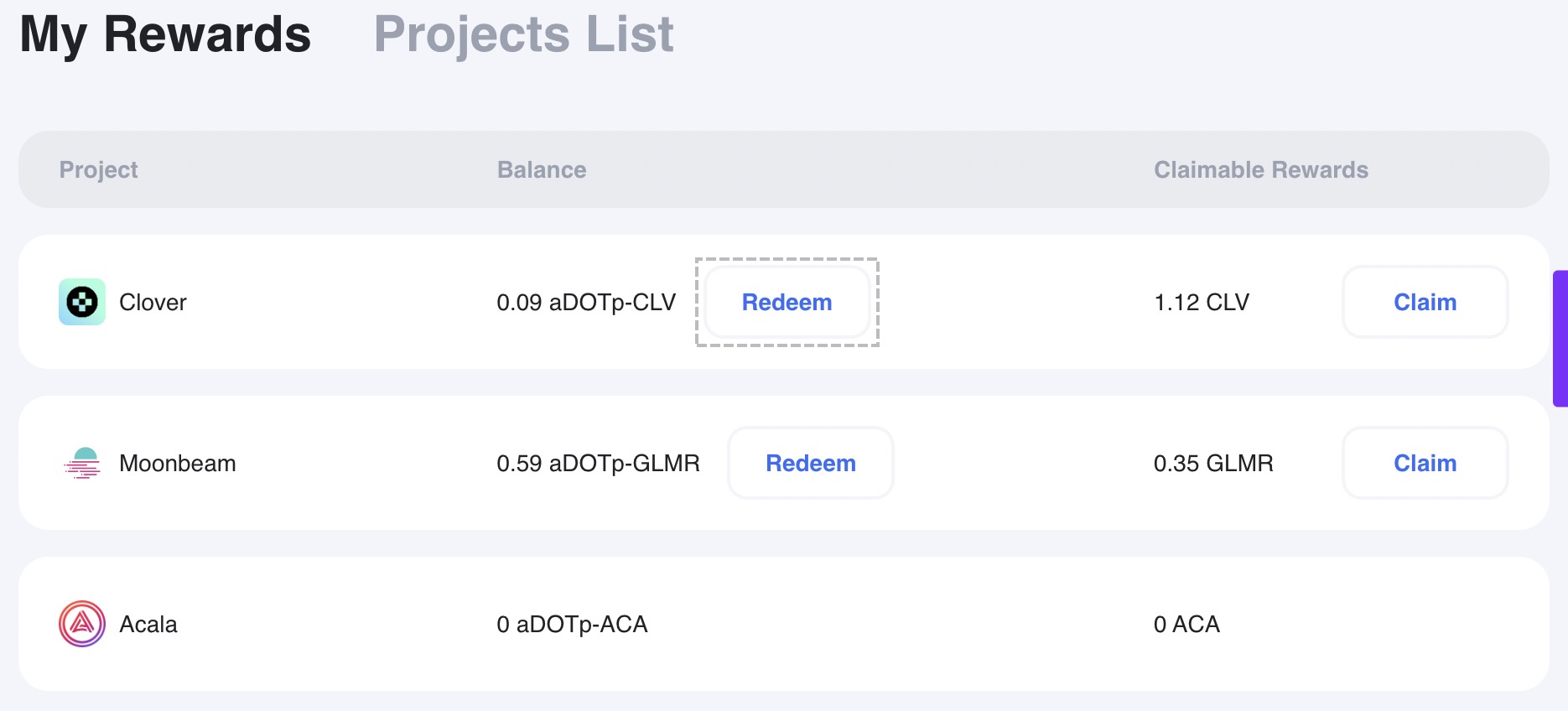
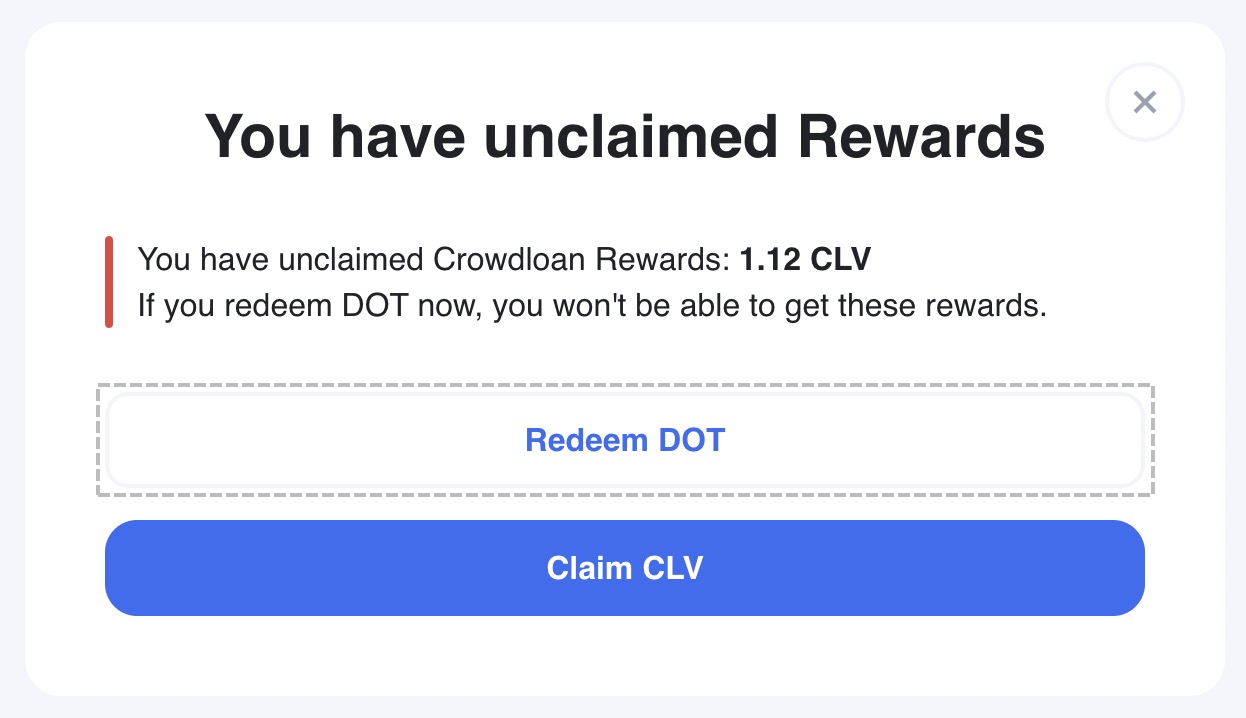
- Click Redeem DOT.
 tip
tip
If you have unclaimed rewards, claim them first or you will lose them when redeeming. ::: 4. Choose an address from the drop-down list, or click Send to external wallet and enter any other Polkadot-compatible address. Then click Redeem.
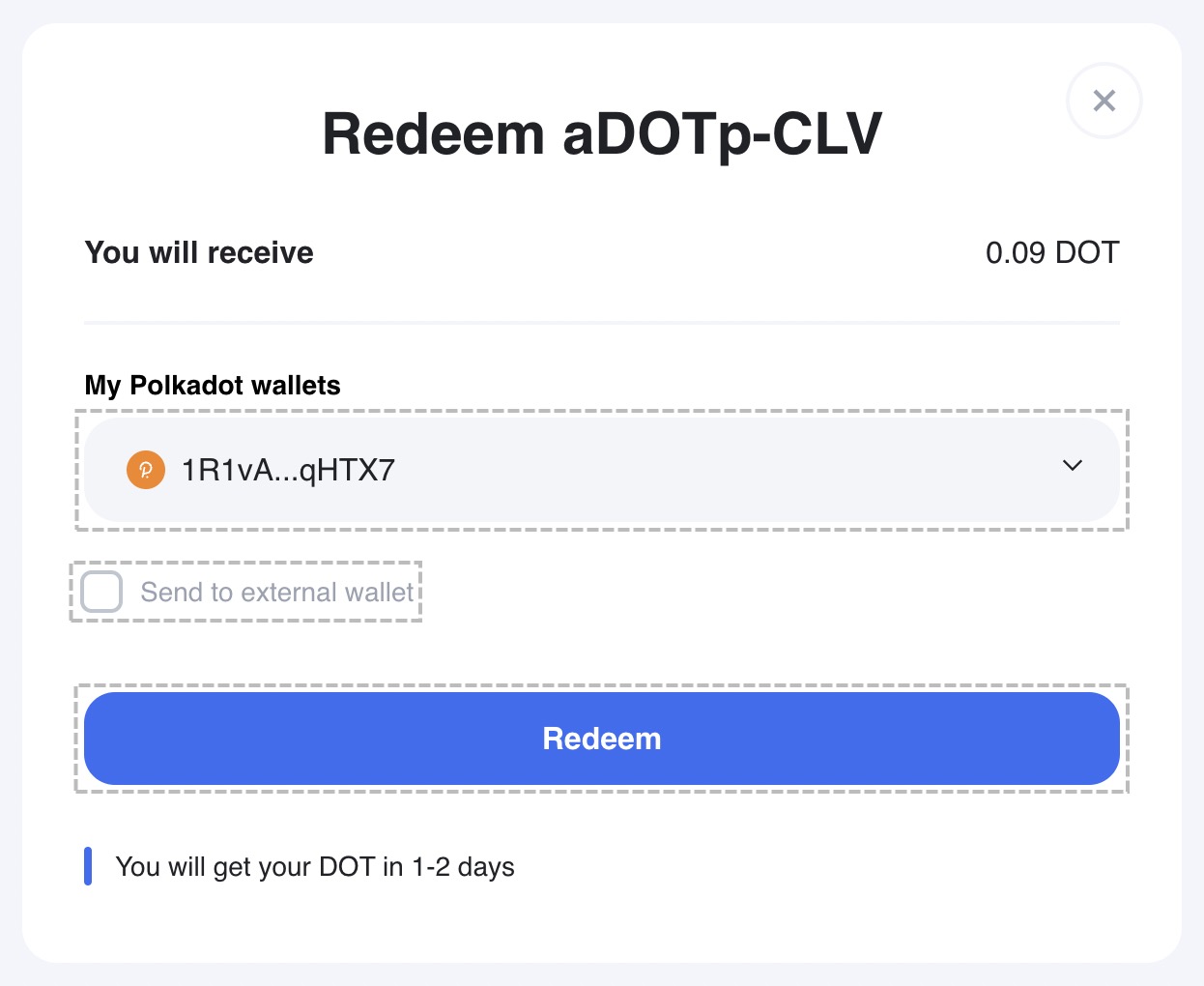
- Confirm the redeeming transaction in MetaMask.
- Wait a few moments to see the success message. The unstaked DOT will be released to you in 1–2 days.