Stake BNB
Before you start
Ensure the following:
- You are using a Chrome Browser.
- You have a MetaMask wallet extension installed and set up in Chrome.
Get BNB and send it to MetaMask
- Create a BNB address using MetaMask.
- Purchase BNB at https://www.binance.com/ and other exchanges.
- Send BNB to your BNB Chain (BSC) address from MetaMask.
Connect your wallet
- Visit Ankr Staking Dashboard.
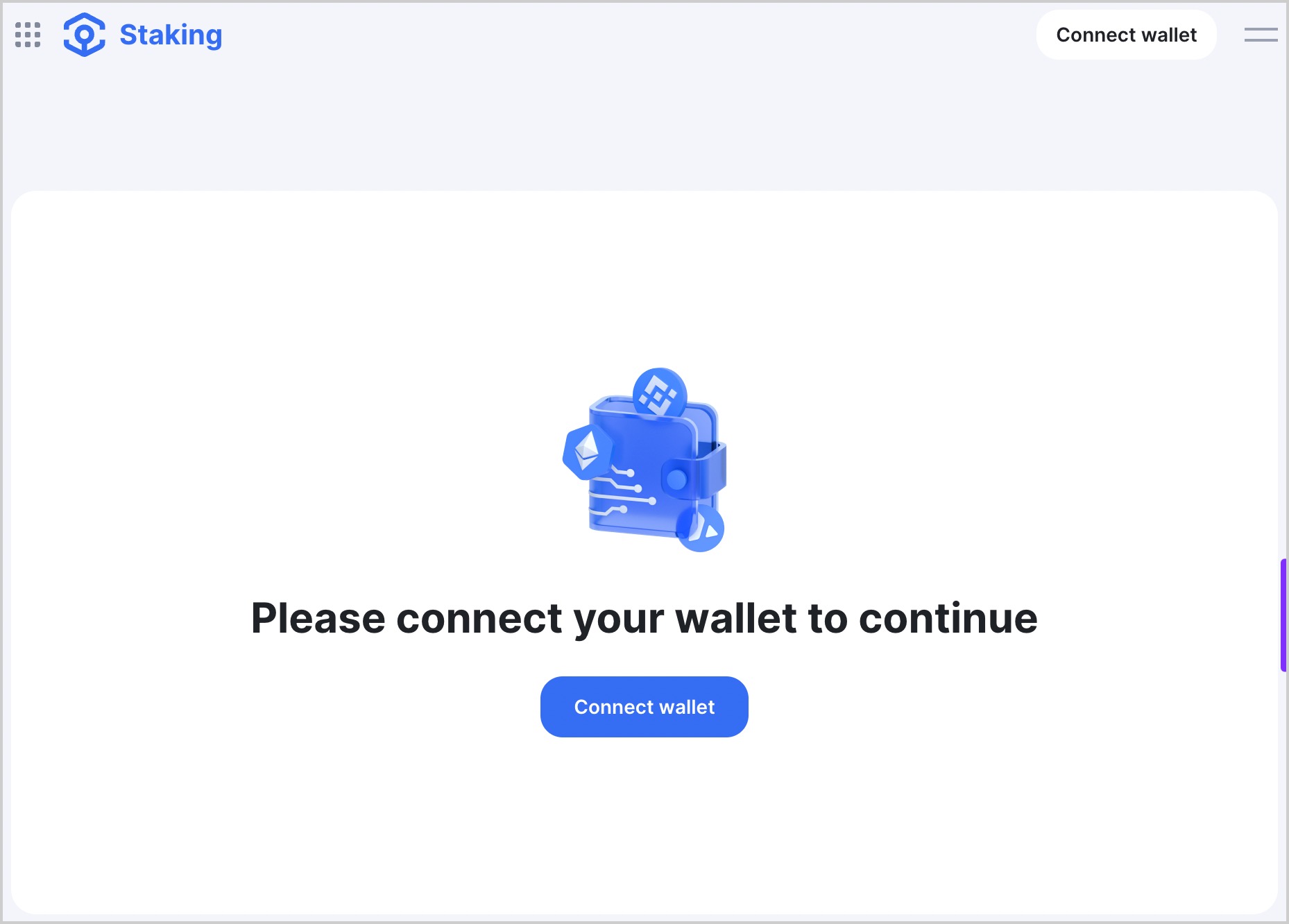
- Click Connect wallet in the top-right corner of the page.
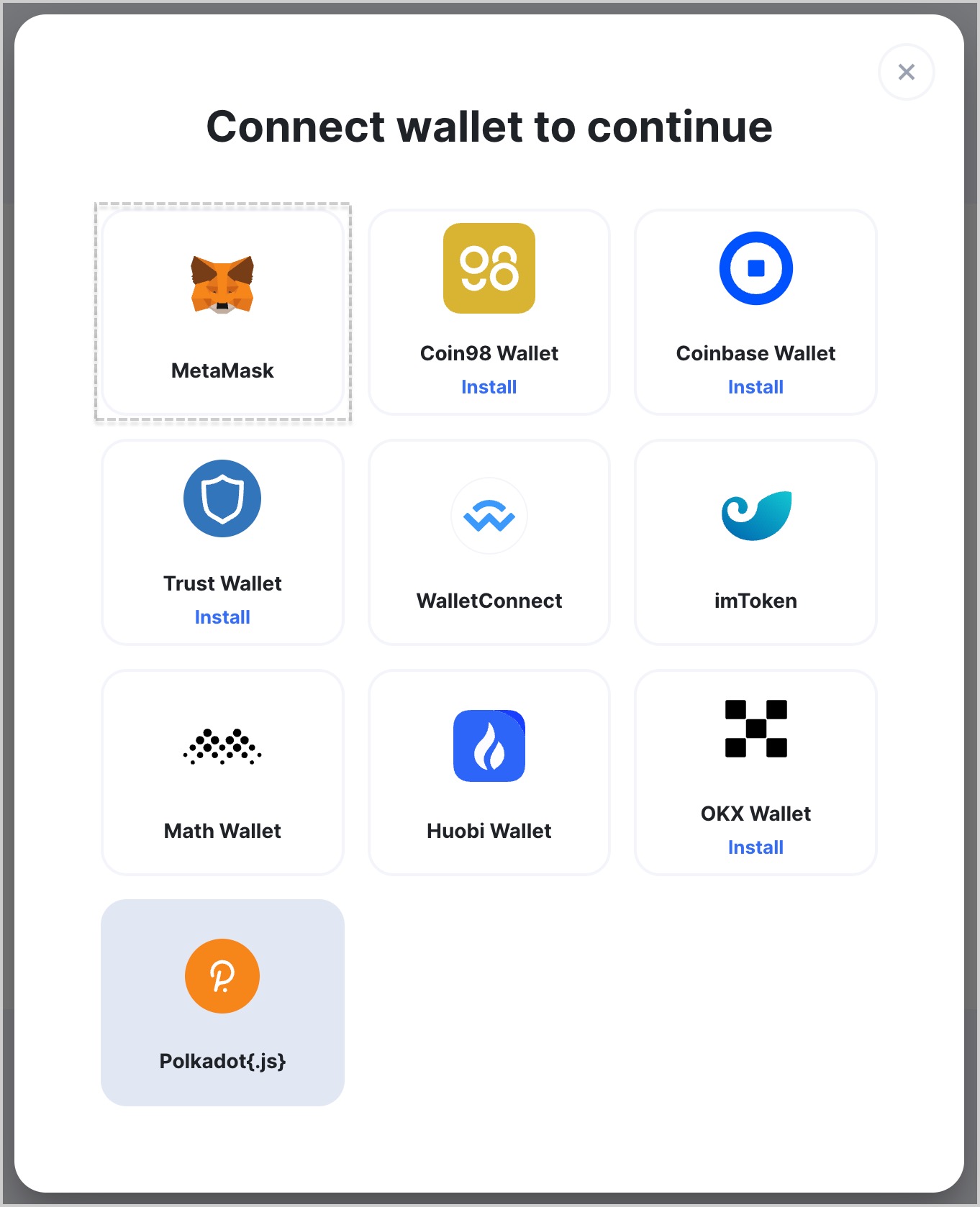
- Choose MetaMask.
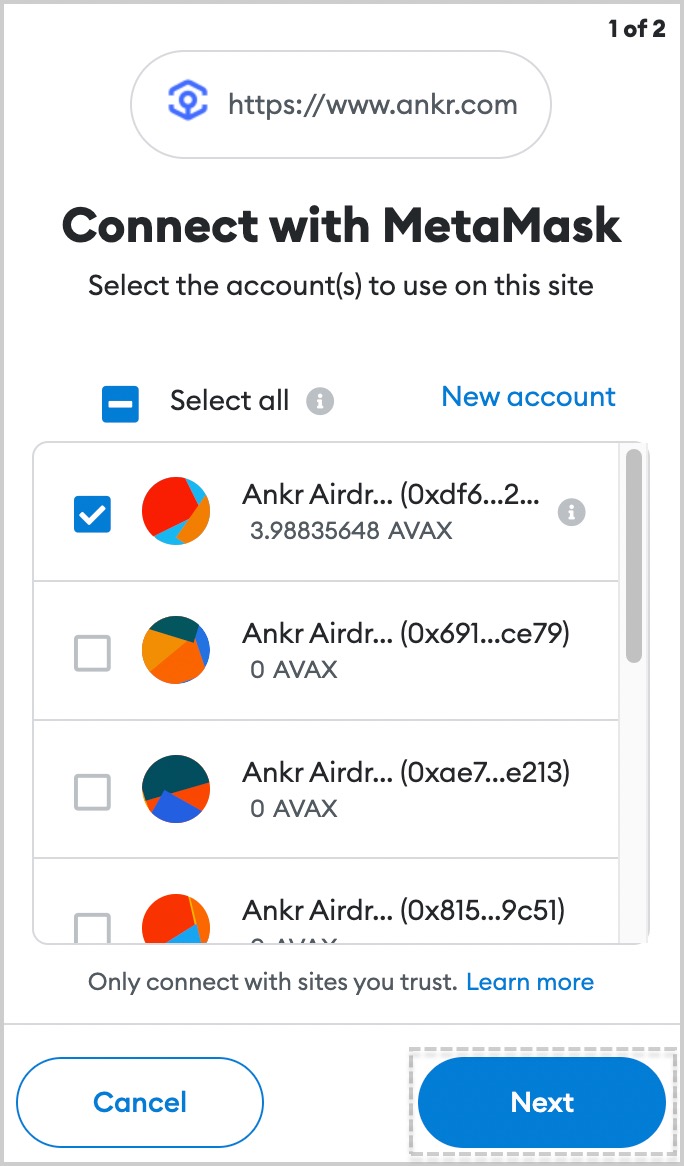
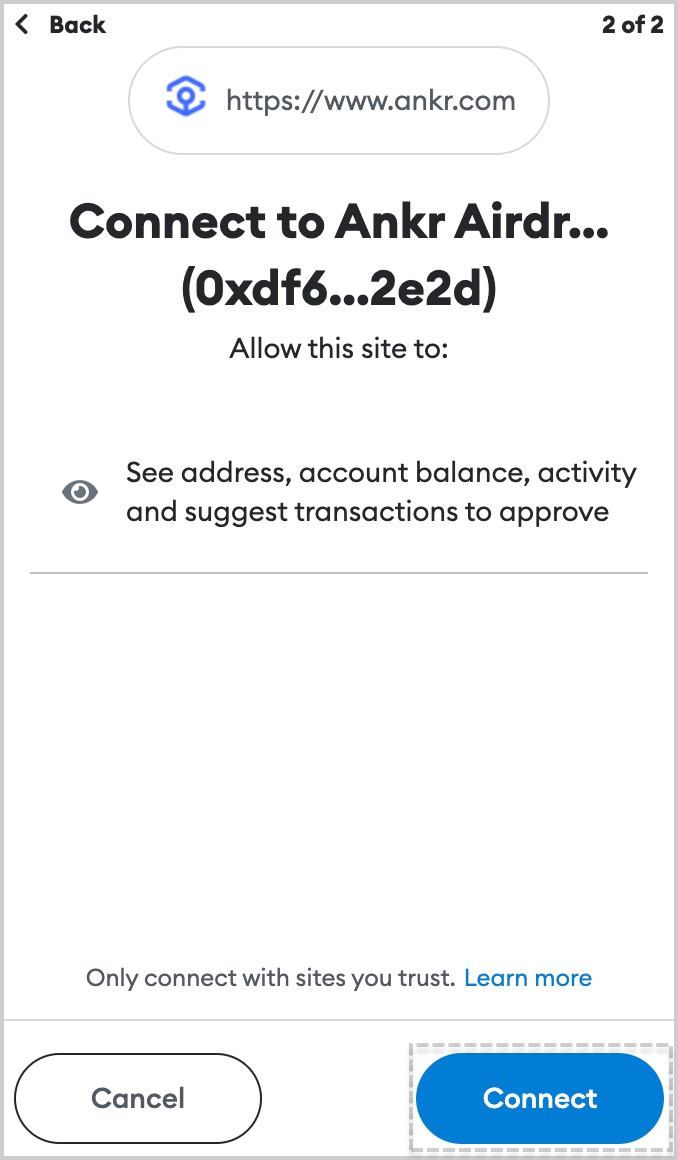
- If you have multiple accounts in MetaMask, choose an account to connect and click Next.
- Click Connect and wait for a couple of moments till the connecting process is finished.
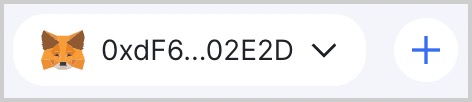
- Successful connection to Ankr Staking is indicated at top right corner by the address of wallet you connected.
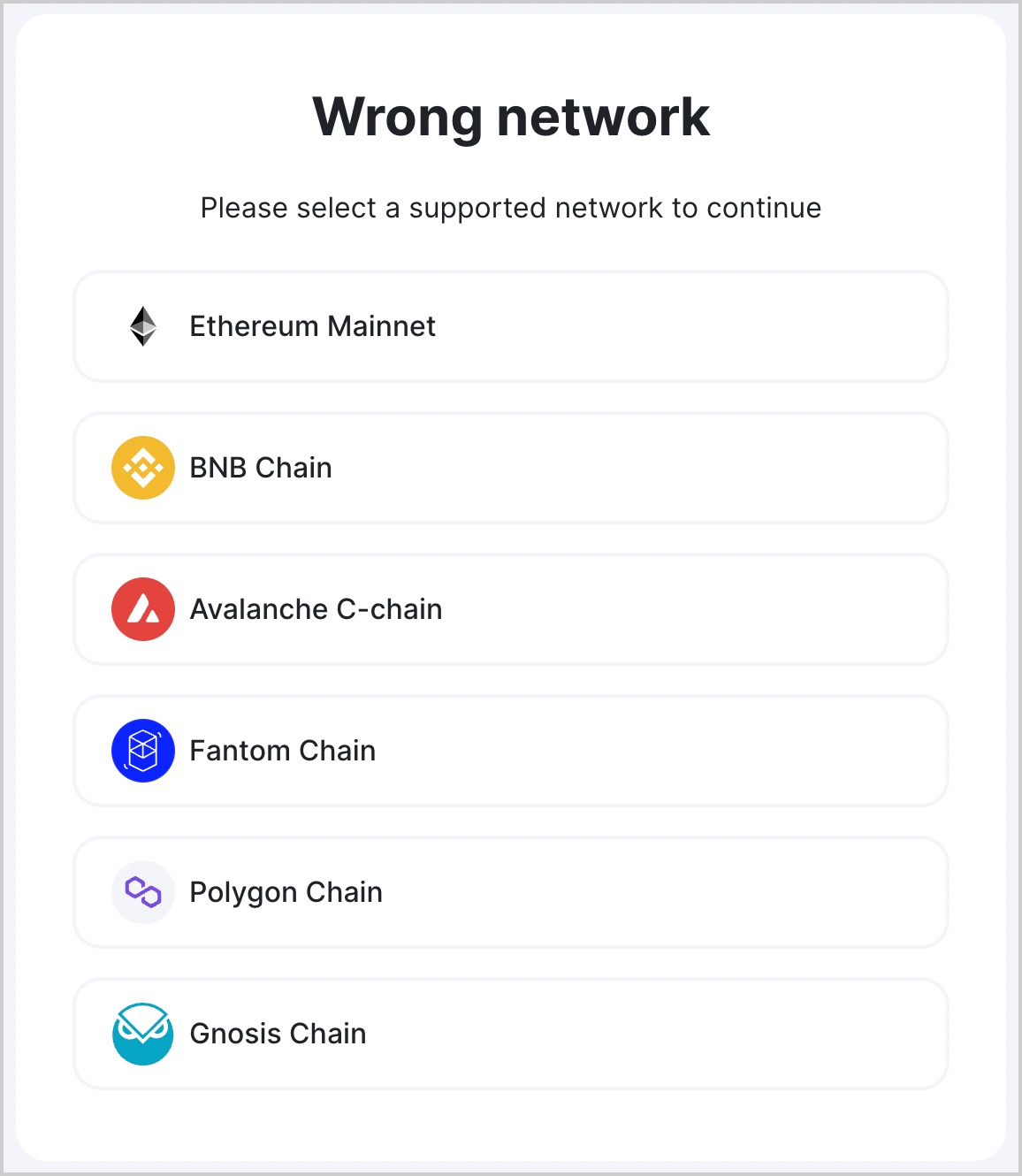
- If asked by Ankr Staking to switch networks, select a network of your choice.
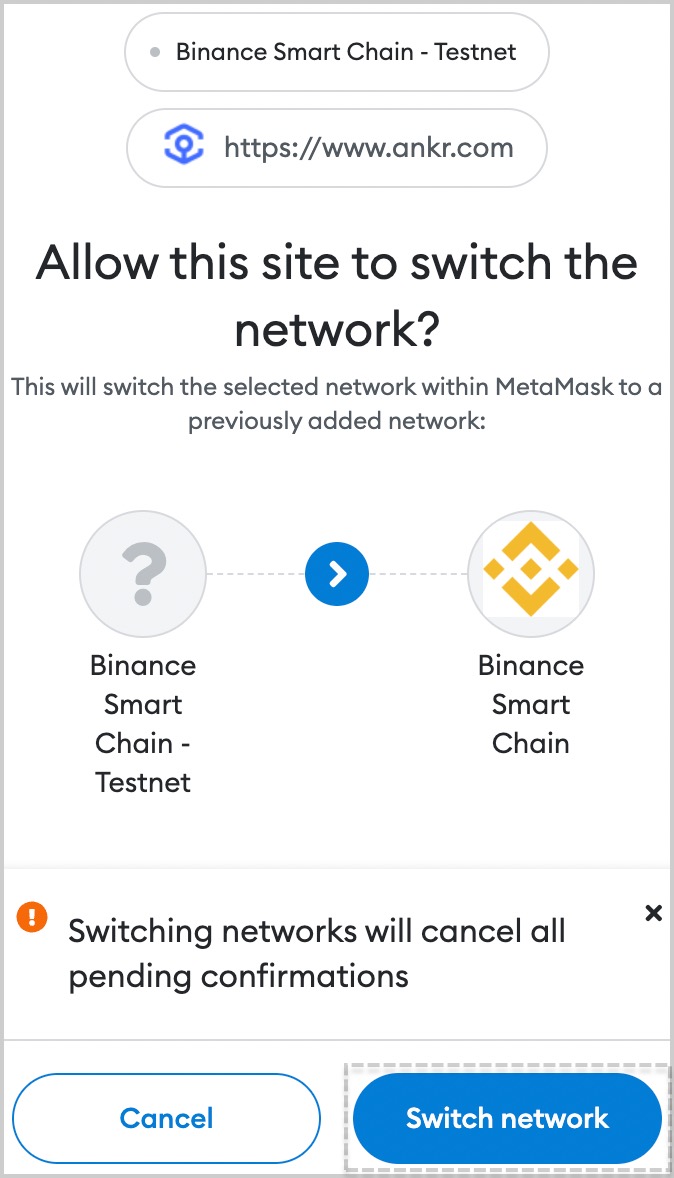
- Click Switch network to confirm switching.
Stake BNB
We have made a separate testnet version of Binance Liquid Staking on BSC Testnet!
Anybody interested to test Liquid Staking without spending mainnet BNB, come and try it!
Ankr auto-deducts a 10% technical service fee from your staking reward for the provided services and operations, each reward cycle.
The minimum amount to stake is 0.1 BNB.
There are no more new stakes getting aBNBb token. However, old stakes with aBNBb keep generating you rewards. You can also switch aBNBb for ankrBNB now (supply is limited).
- Visit Ankr Staking.
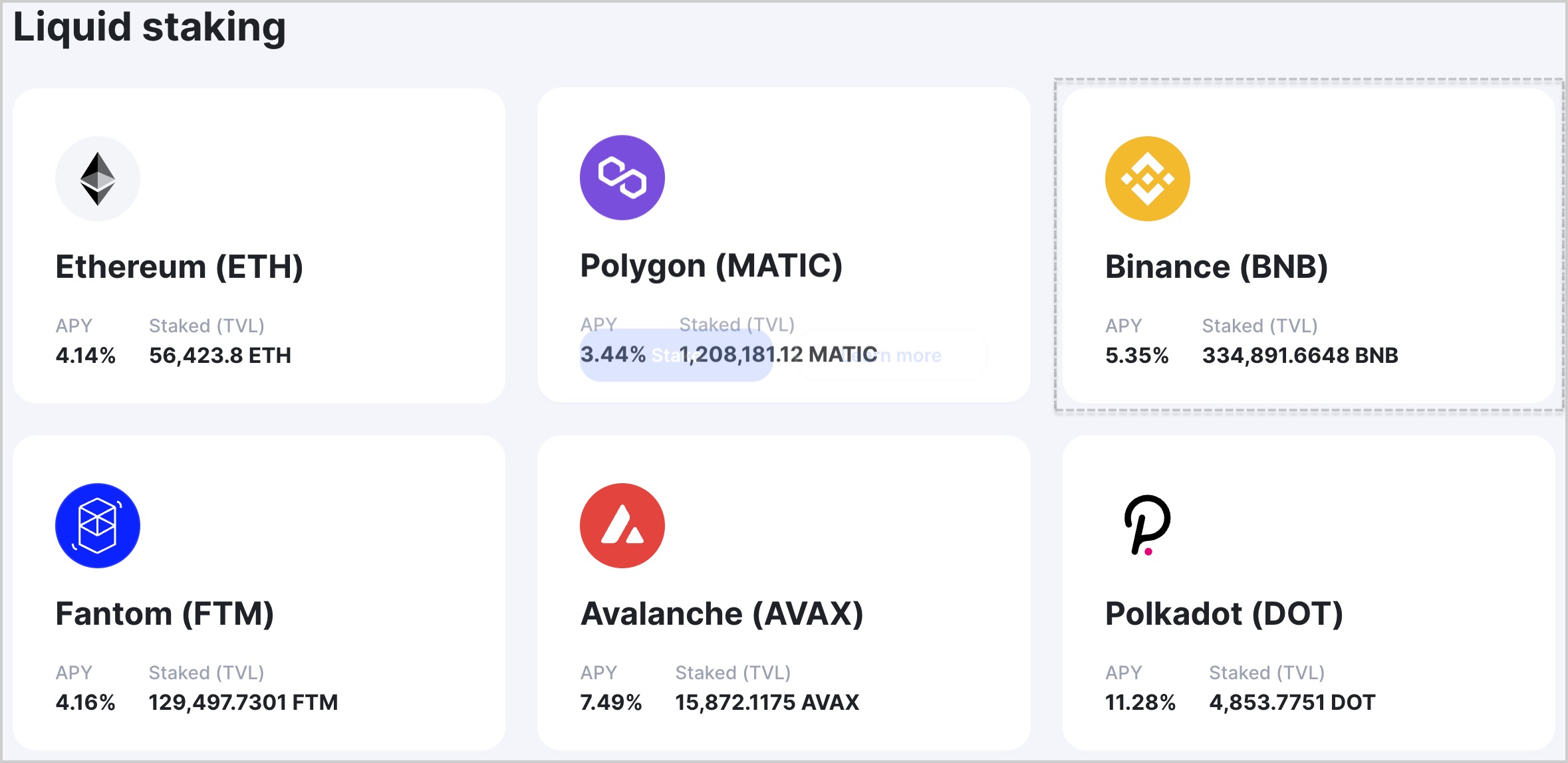
- Locate the Binance (BNB) box and click Stake in it.
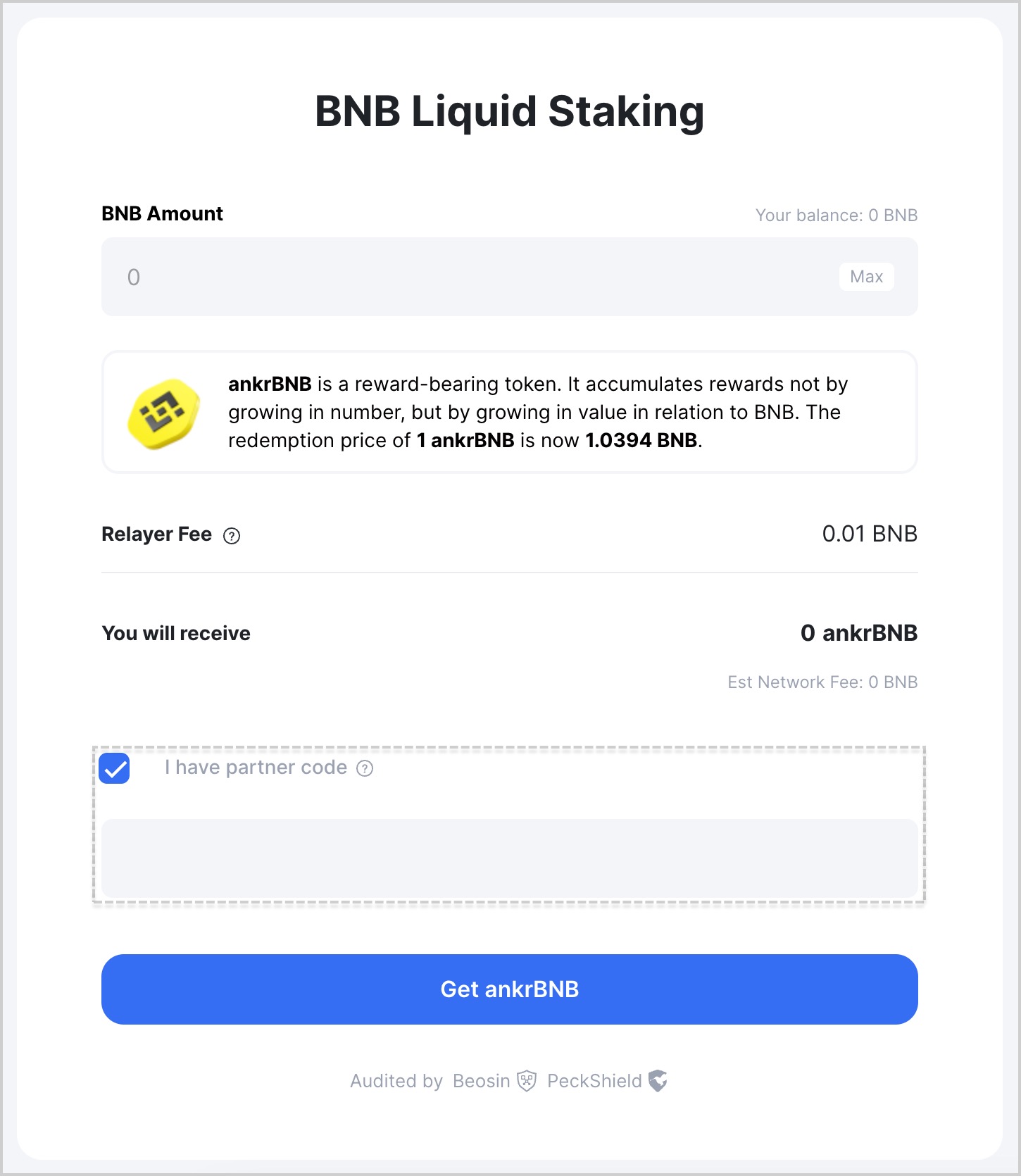
- If you have a referral code from a partner and you never owned Ankr Liquid Staking tokens, check "I have partner code" and enter their referral code making your first staking transaction.
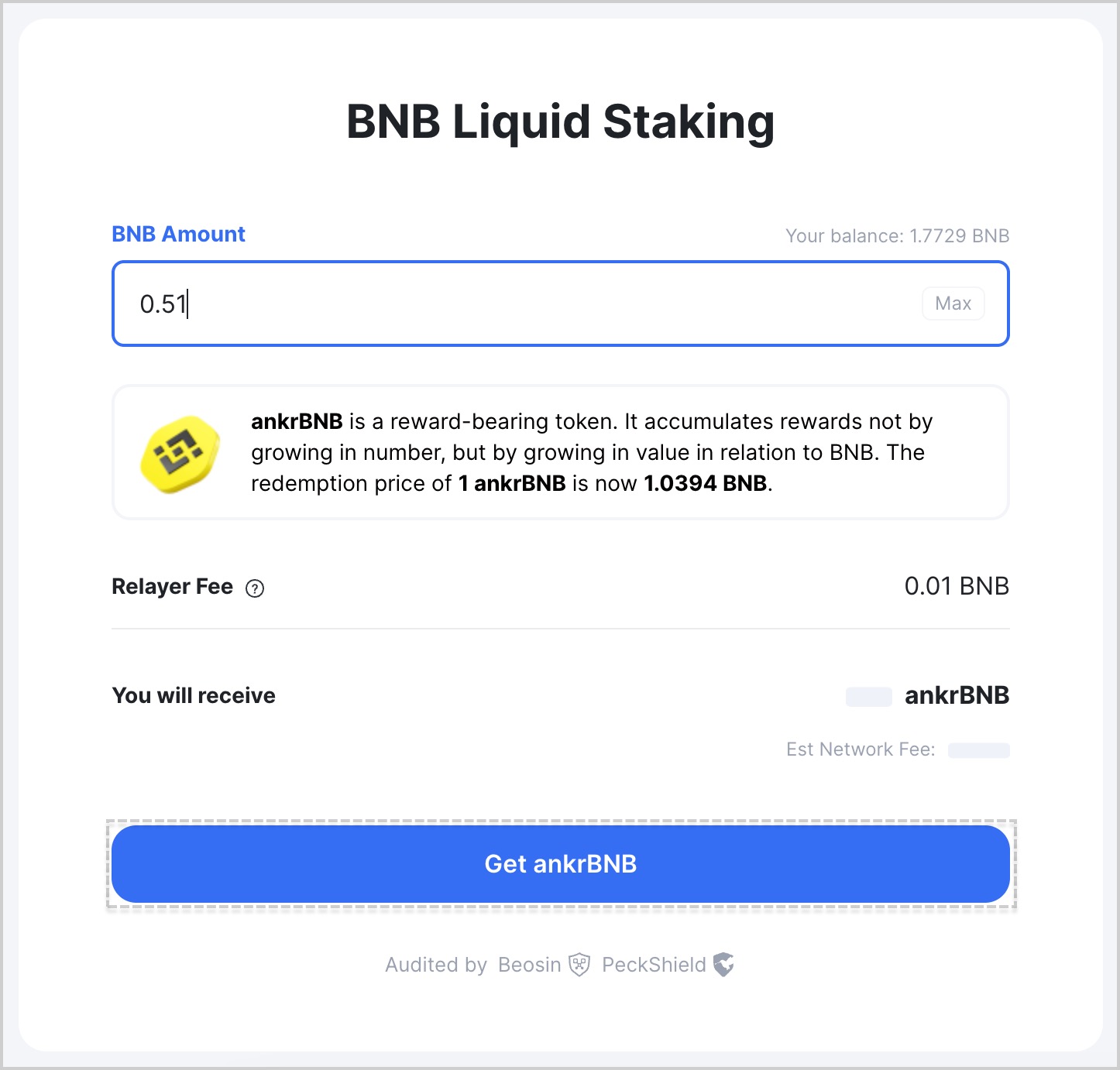
- Enter the desired amount of BNB to stake and click or Get ankrBNB.
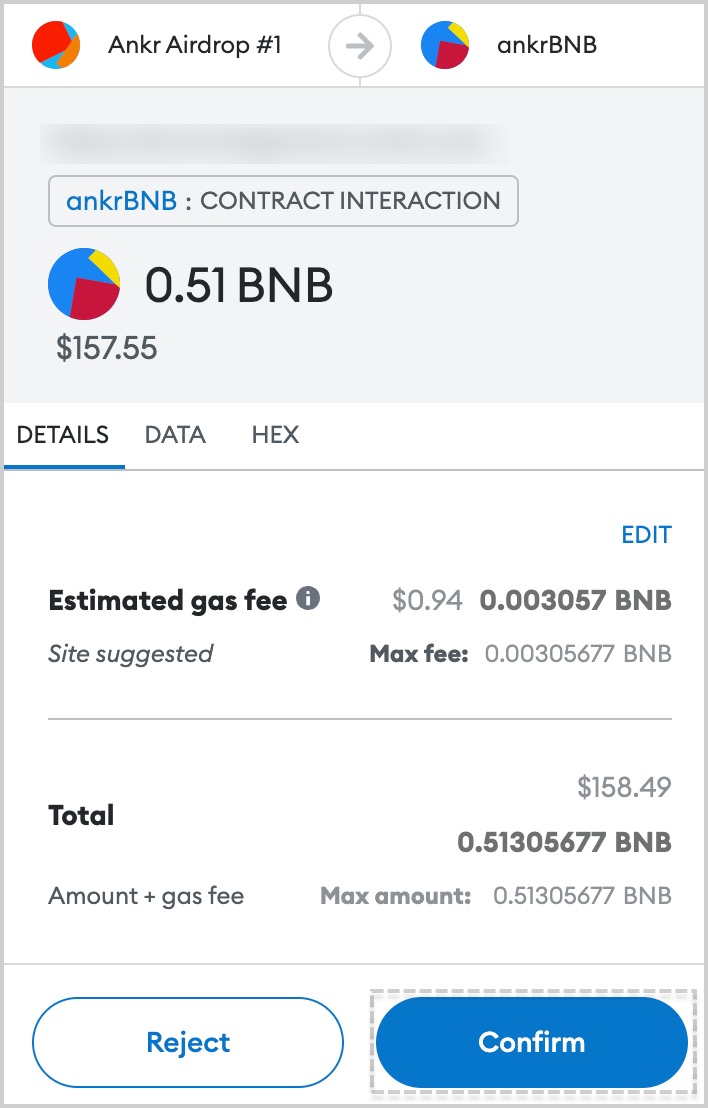
- Confirm the transaction in your wallet.
- Add the liquid staking token to your wallet, clicking Add ankrBNB to wallet.
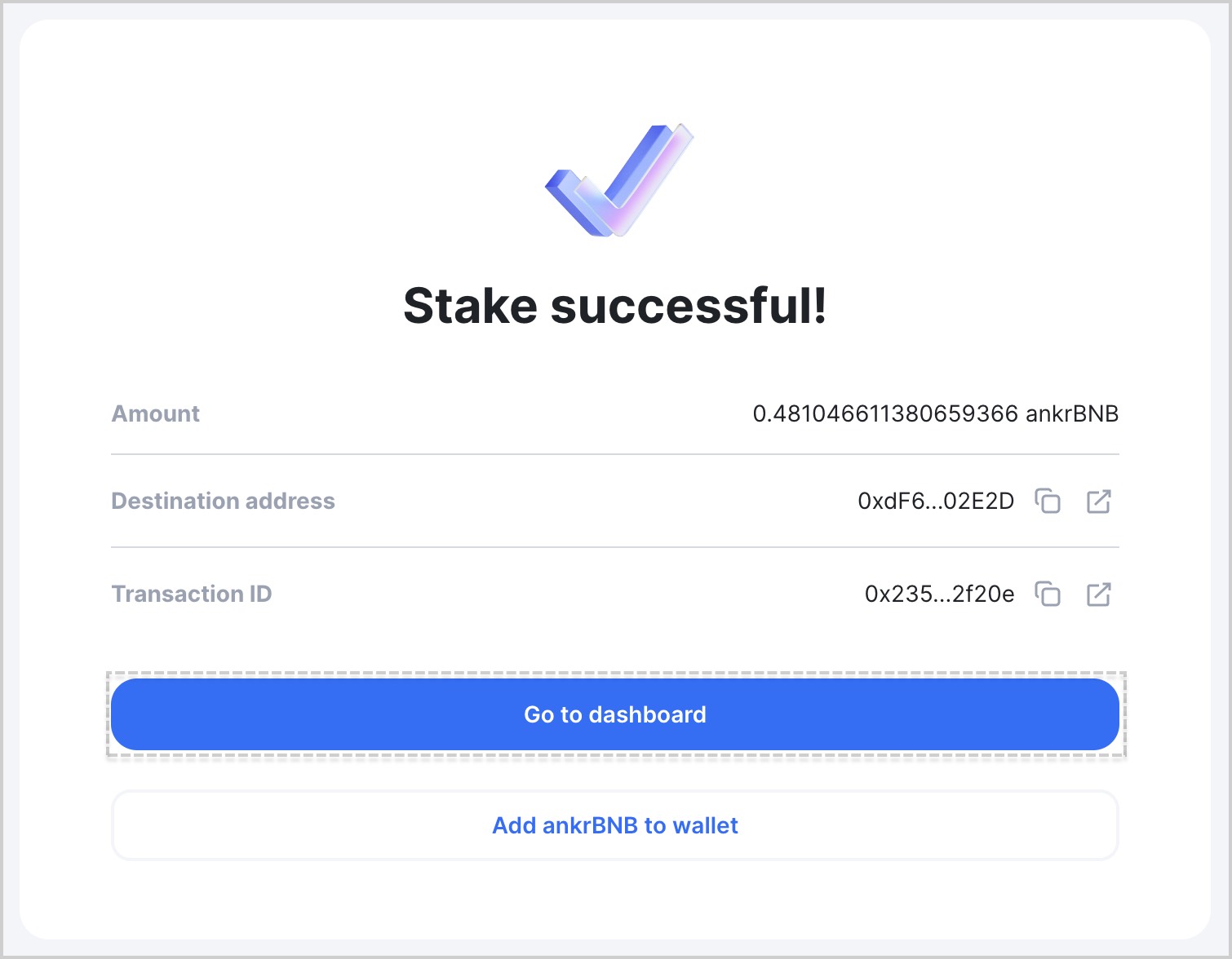
- Click Go to dashboard to see the added token. You may need to wait a little for the transaction to finalize and Dashboard to automatically update.
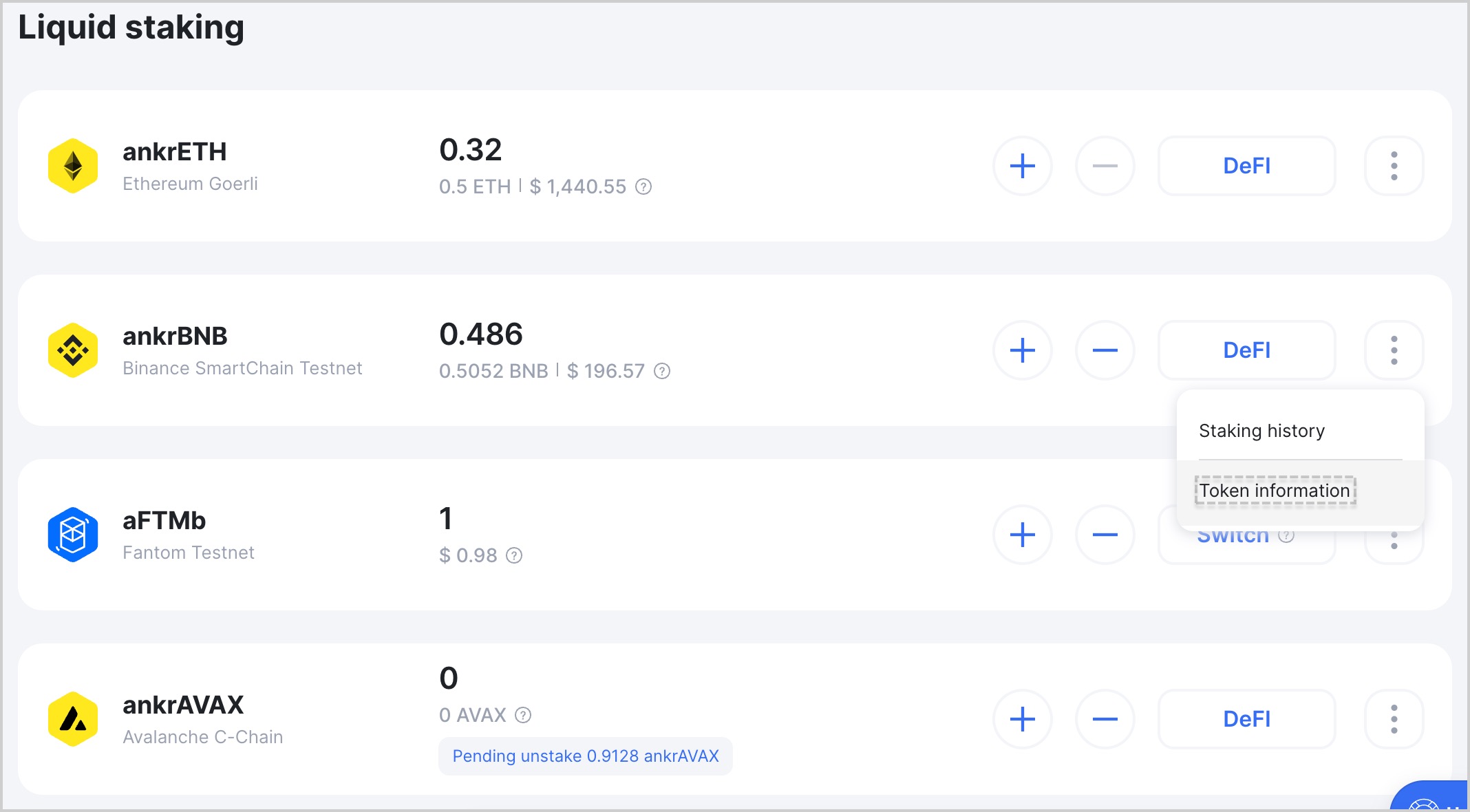
To reflect your staking rewards, your ankrBNB keeps growing in price to BNB, never changing in number.
To get more yield out of your Liquid Staking tokens, visit Ankr DeFi.
Don't see your ankrBNB balance?
If you don't see your ankrBNB balance in your wallet:
- Visit Ankr Staking Dashboard.
- Find your liquid staking token, click the three-dot menu, and click Token information.
- Click Add ankrBNB to wallet.
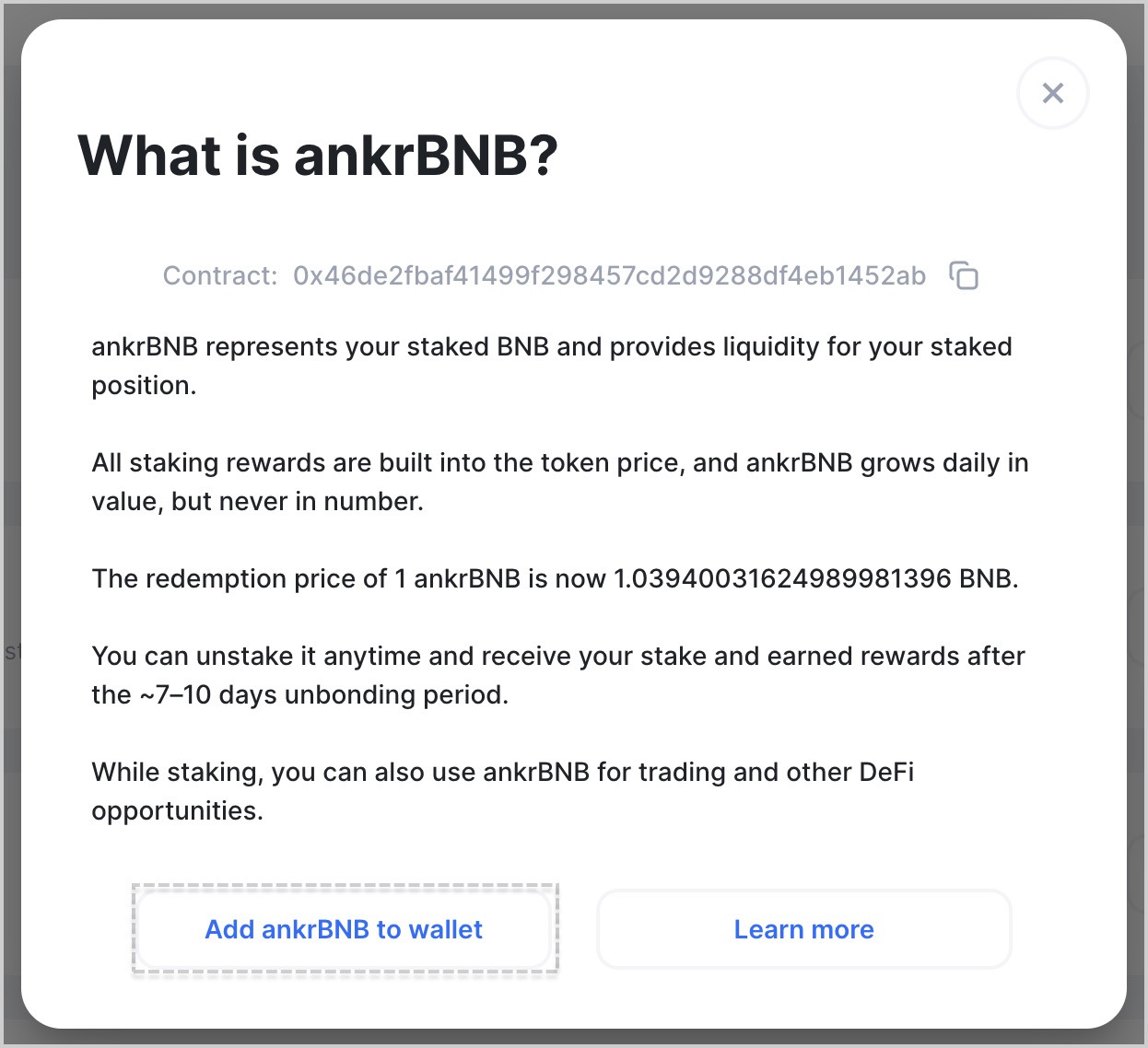
You can also manually import the token in your wallet and copy&paste the Contract address while doing it.