Restake ankrETH on EigenLayer
Once you have staked ETH in Ethereum Liquid Staking, you have an opportunity to restake it on EigenLayer.
To restake your ankrETH, you need to:
- Deposit ankrETH on EigenLayer.
- Delegate your deposit to an AVS operator (currently only available for testing on Goerli; Mainnet version is coming around April 2024).
Deposit ankrETH on EigenLayer
info
EigenLayer reopens for restaking on Ethereum Mainnet.
You will be able to deposit from February 5, 12 PM PT to February 9, 12 PM PT.
Why deposit? Your deposit gains you Restaked Points that make you eligible for the upcoming airdrop, and not only EigenLayer's — giveaway of a protocol’s tokens that could have great worth on the market.
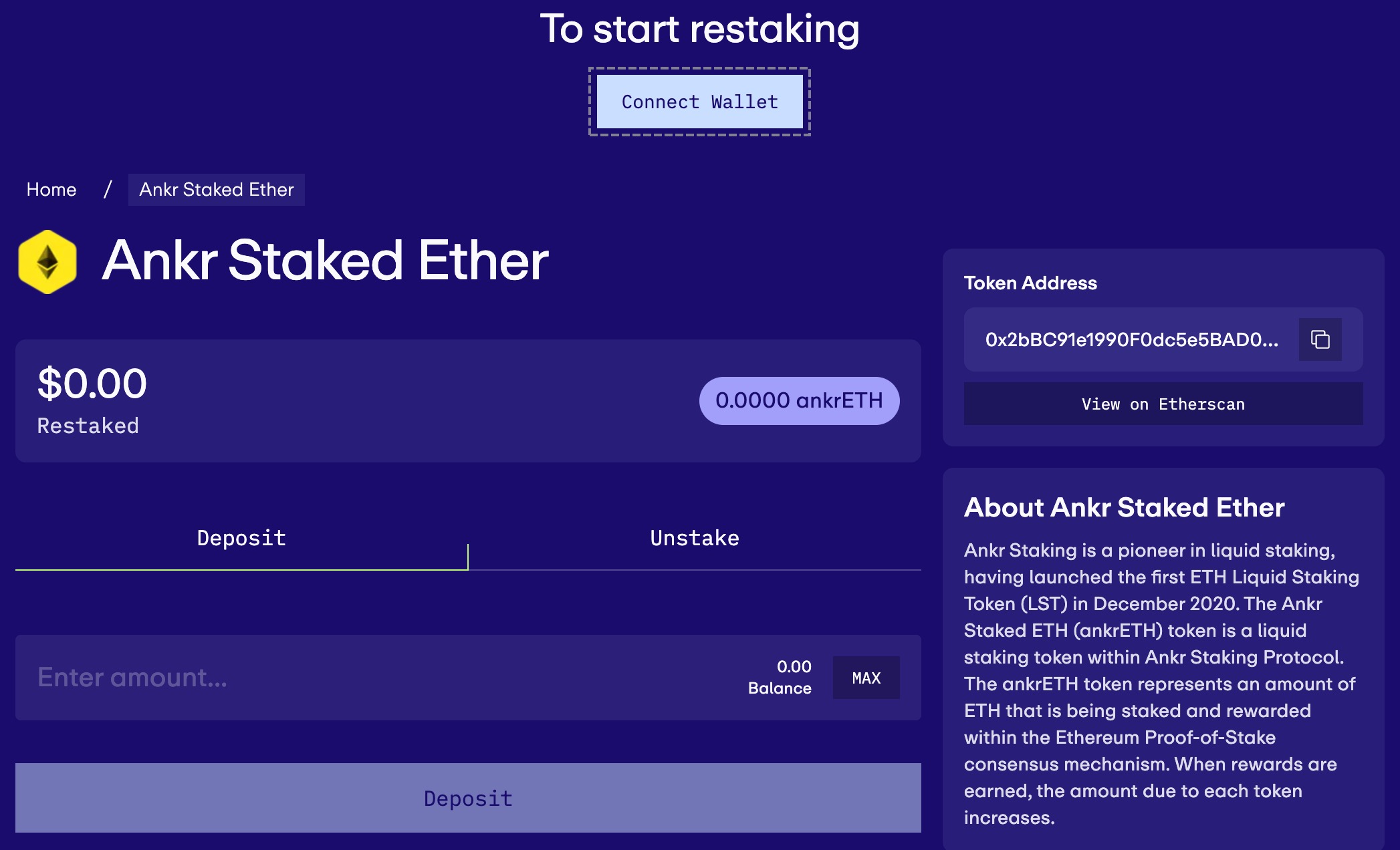
- Make sure you've first staked your ETH in Ethereum Liquid Staking and then visit the ankrETH restaking page.
- Click Connect Wallet.
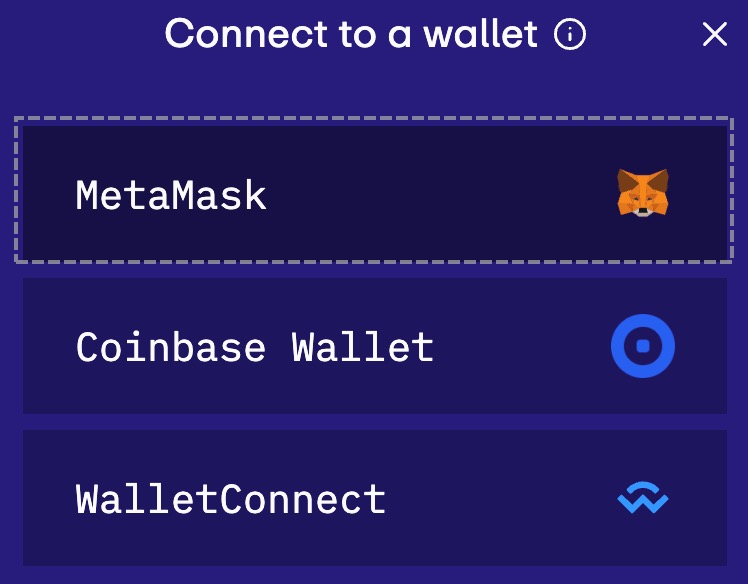
- Click MetaMask and proceed to connect the address you have ankrETH on.
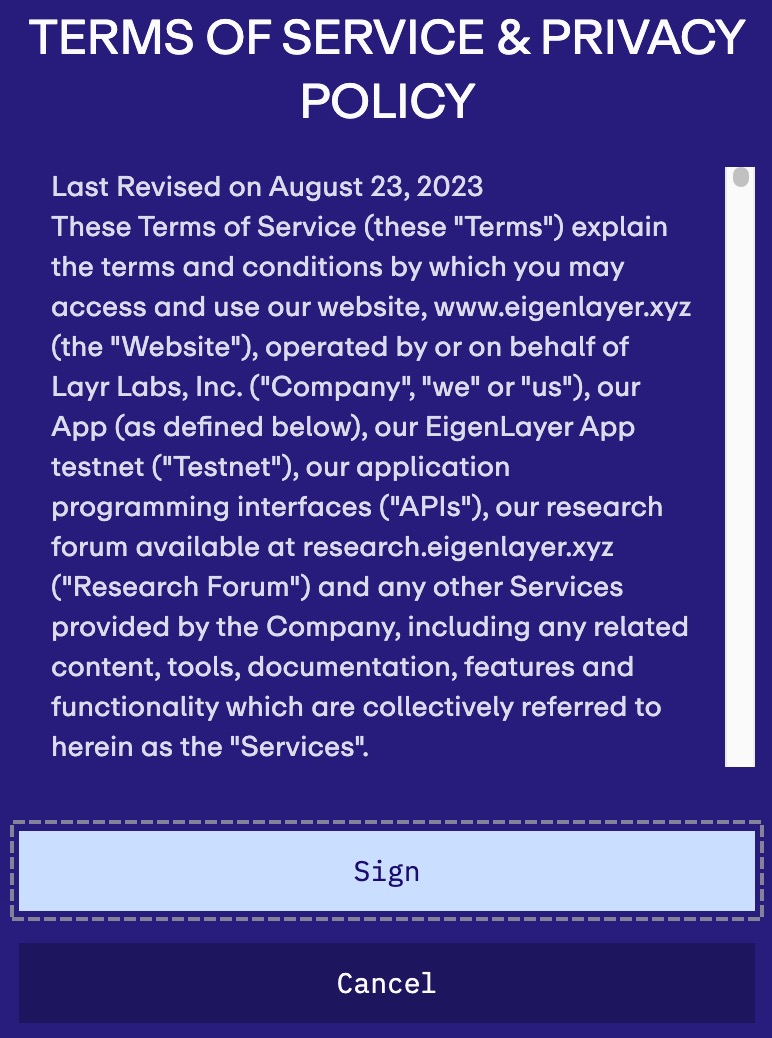
- Click Sign and sign the Terms & Conditions on EigenLayer in MetaMask.
- Enter the desired amount of ankrETH and click Deposit.
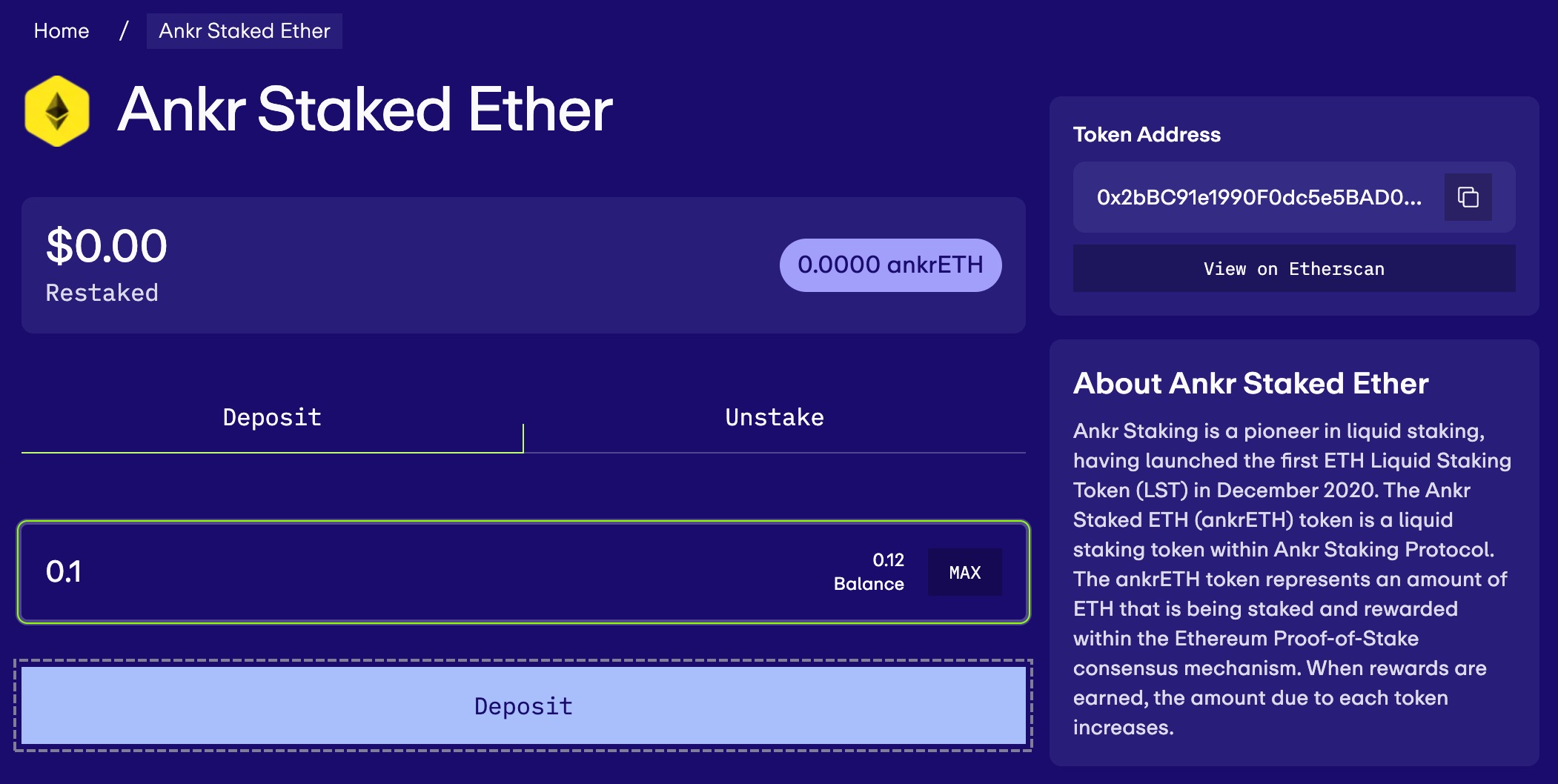
- Confirm first the approval transaction, to allow EigenLayer to access the chosen amount, and then the deposit transaction in MetaMask.
Delegate your deposit to an operator
When you're ready, delegate your deposit to a Mainnet operator to earn you rewards:
- Visit the Mainnet operator page.
- On the operator detail page, click Delegate.
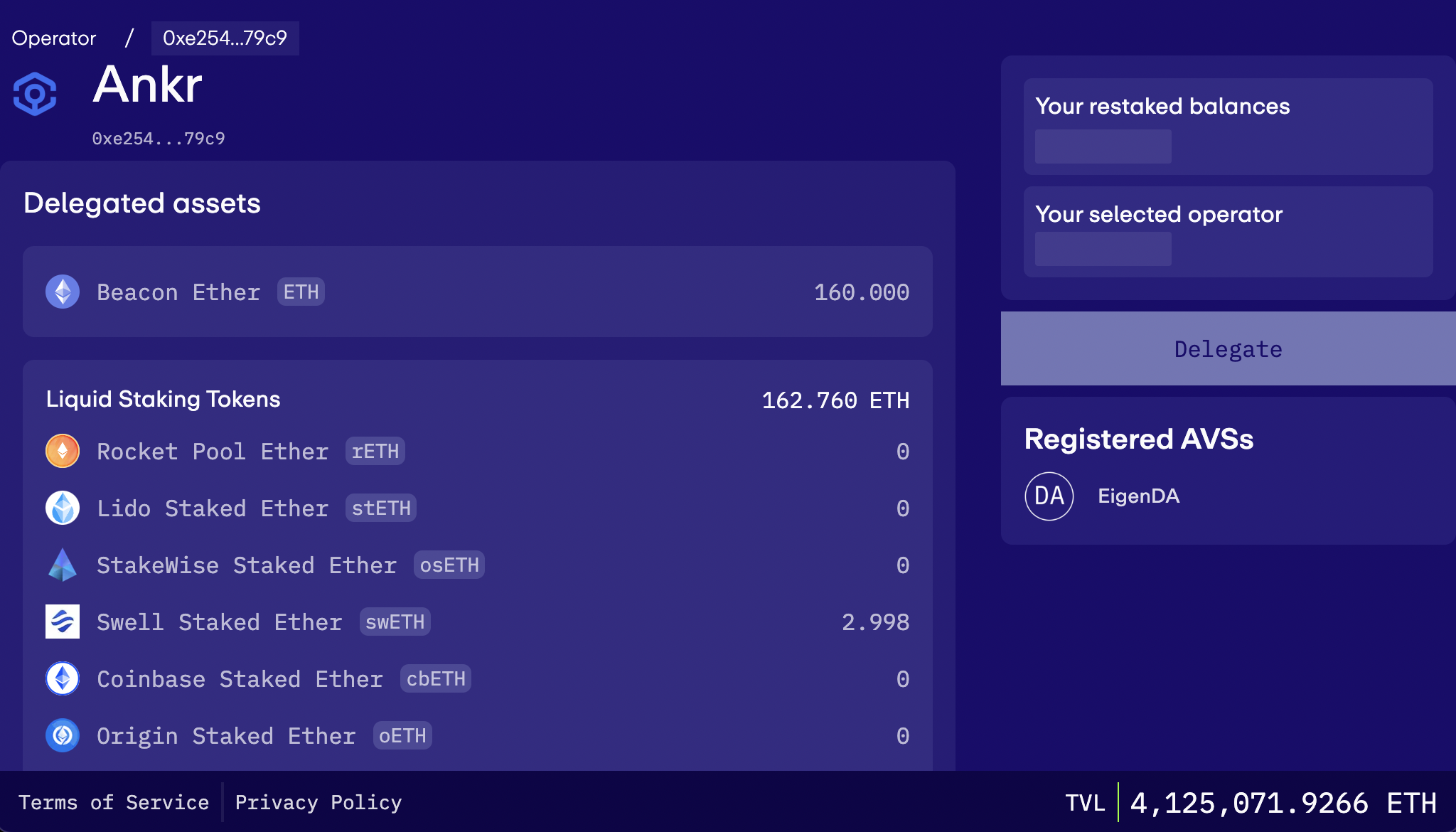
- Confirm the delegation transaction in MetaMask.
- Wait a few moments for the transaction to be mined and check the status of your delegation.