Staking ETH
Before you start
Ensure the following:
- You are using a Chrome Browser.
- You have a MetaMask wallet extension installed and set up in Chrome.
Connect your wallet
warning
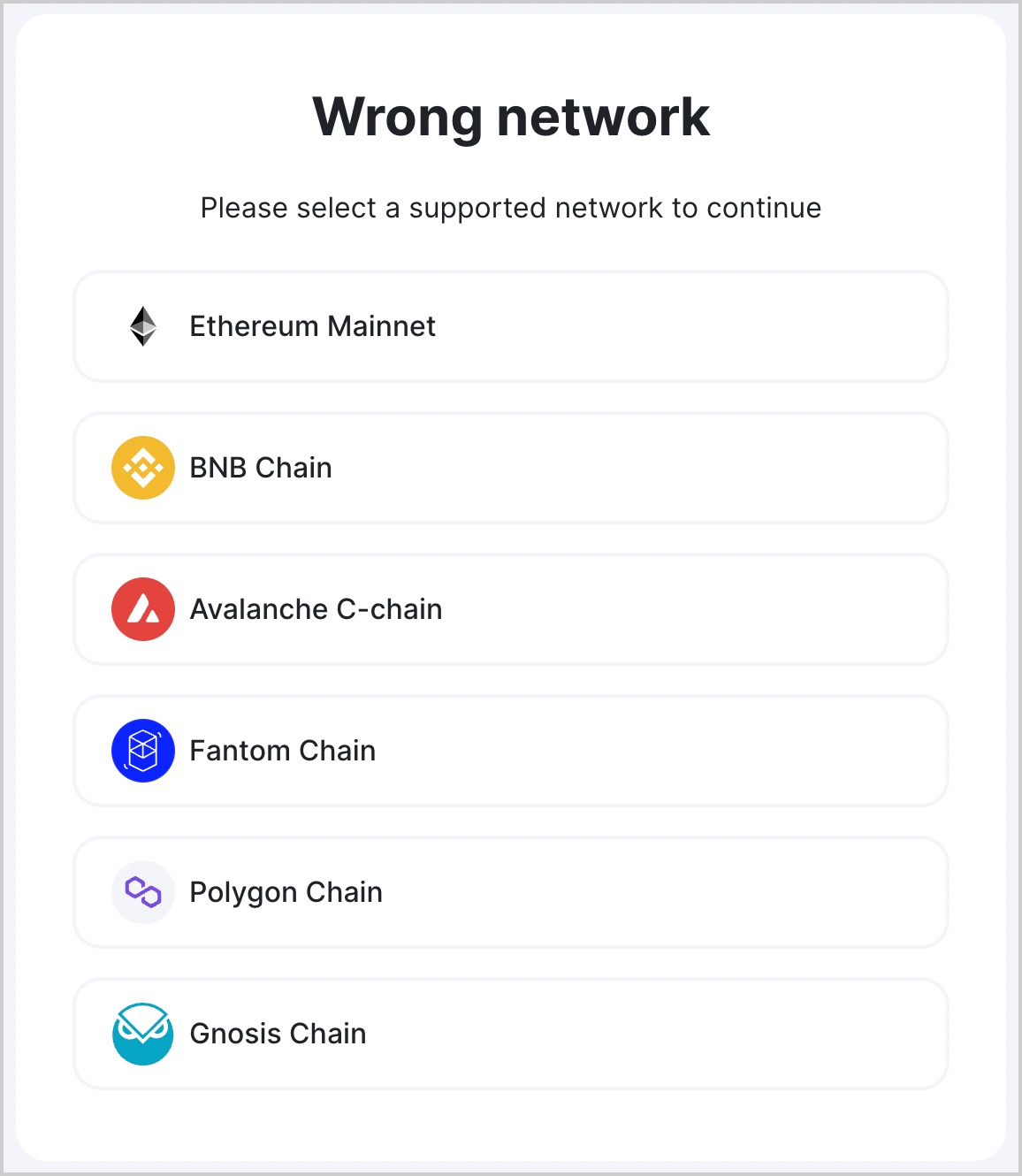
Be sure to select the "Ethereum Mainnet" network in your wallet. Otherwise, you get an error message.
- Visit Ankr Staking Dashboard.
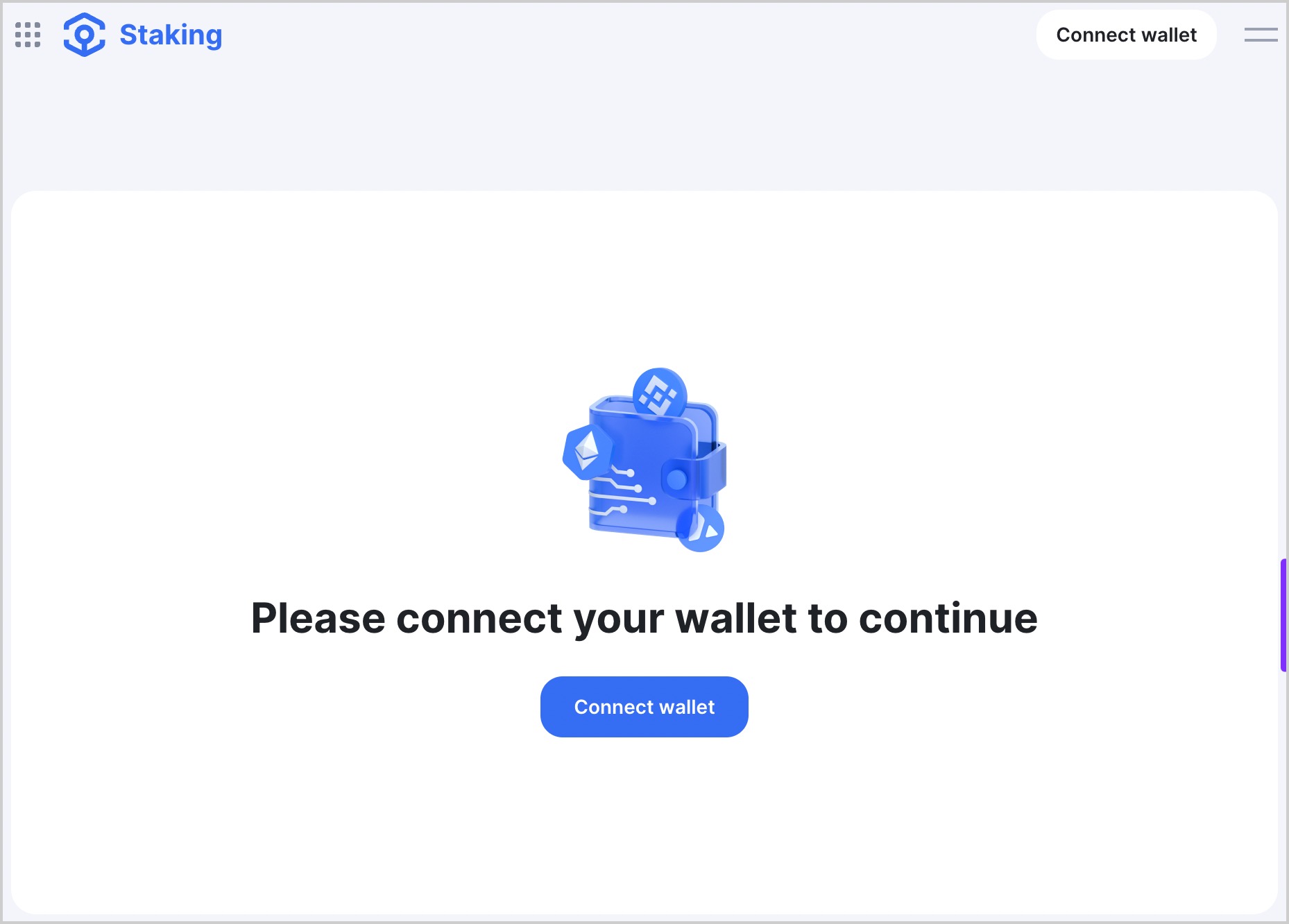
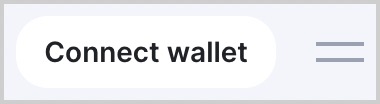
- Click Connect wallet in the top-right corner of the page.
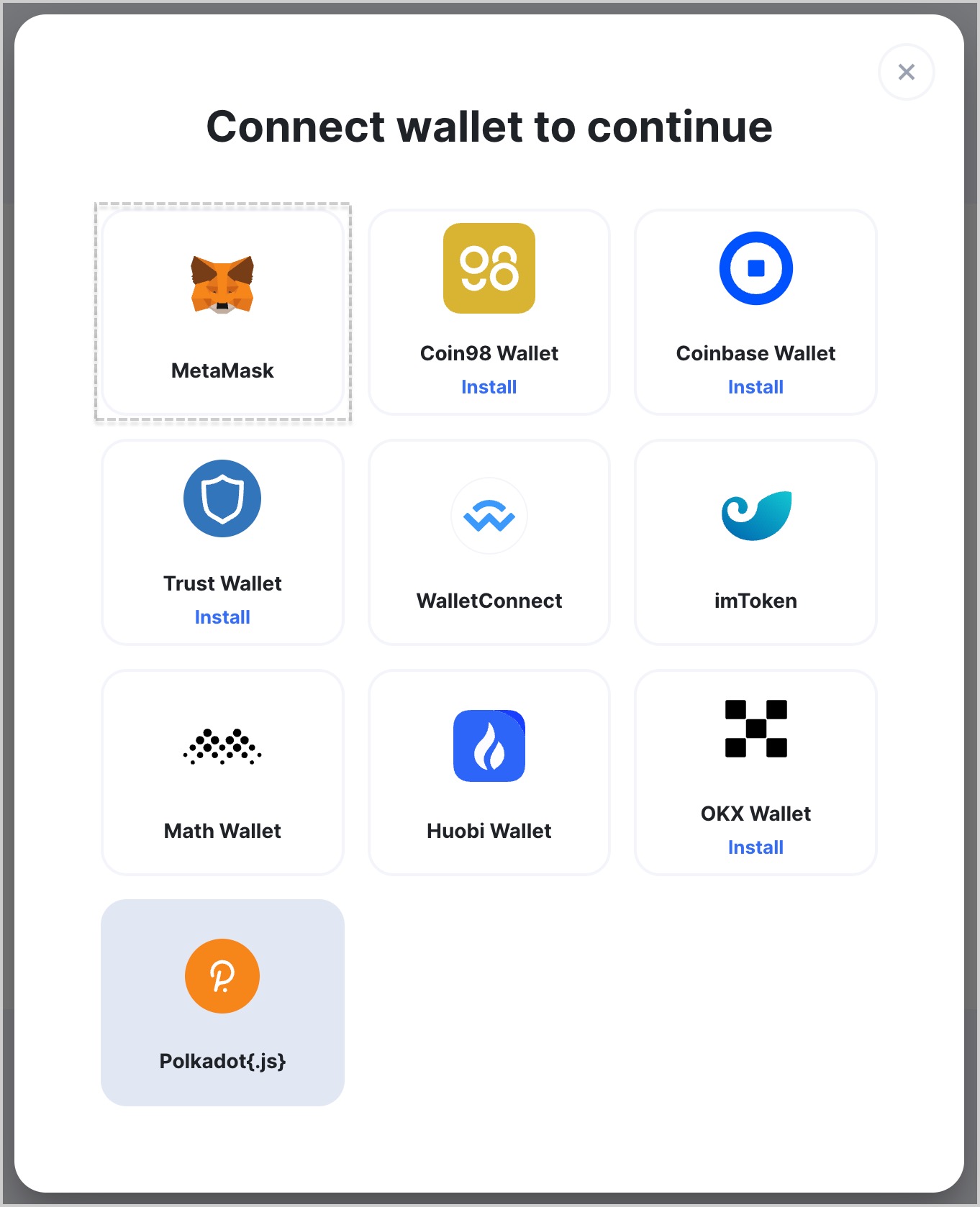
- Choose MetaMask.
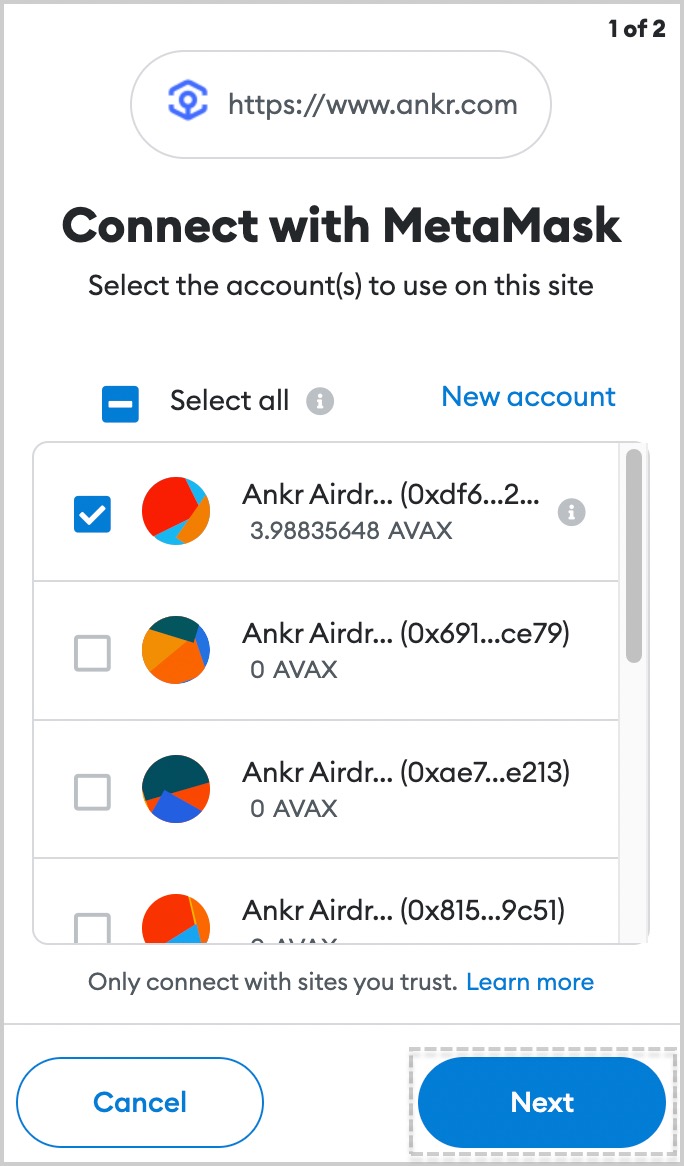
- If you have multiple accounts in MetaMask, choose an account to connect and click Next.
- Click Connect and wait for a couple of moments till the connecting process is finished.
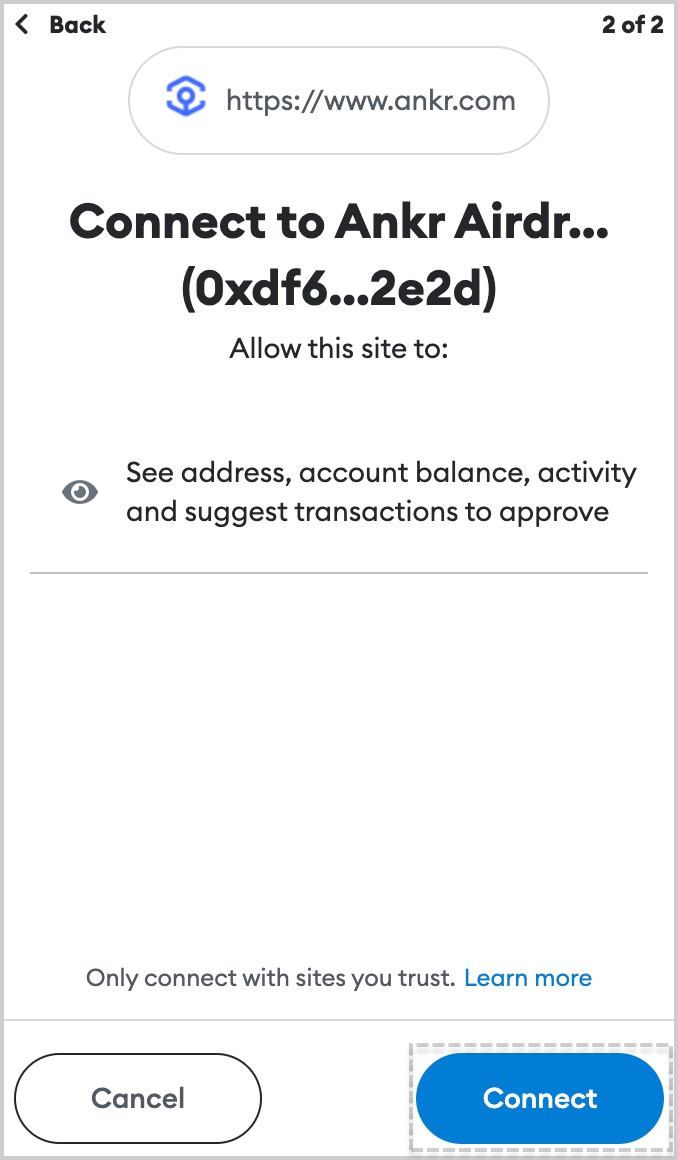
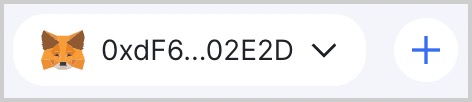
- Successful connection to Ankr Staking is indicated at top right corner by the address of wallet you connected.
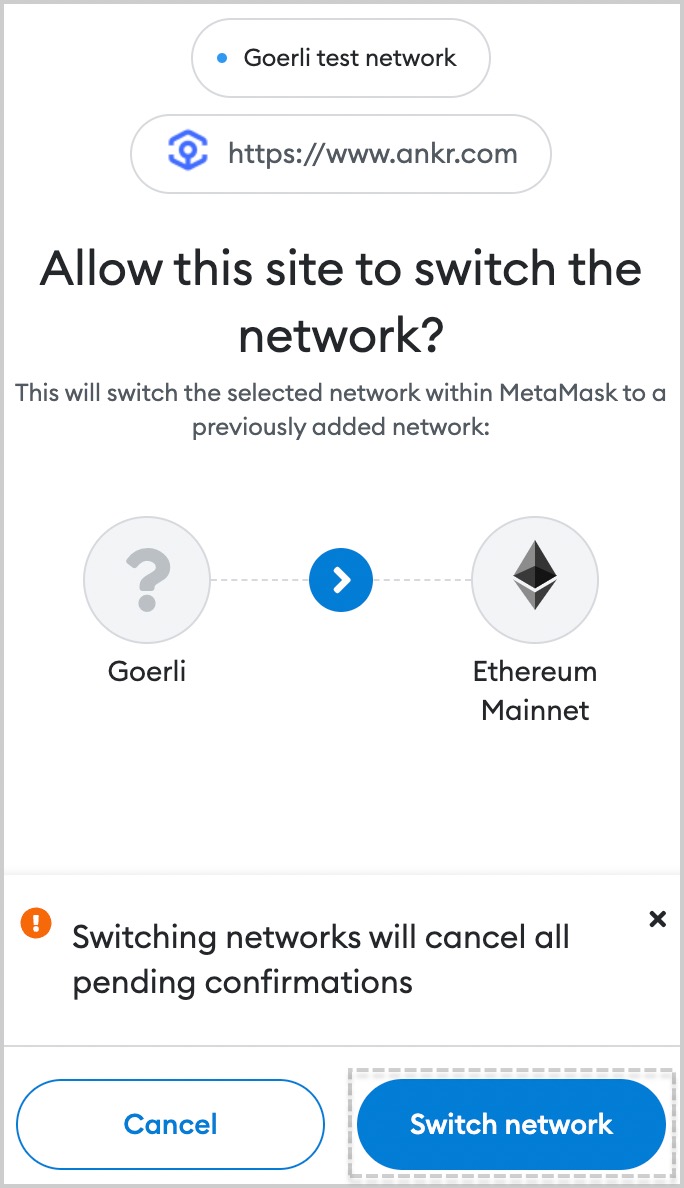
- If asked by Ankr Staking to switch networks, select a network of your choice.
- Click Switch network to confirm switching.
Stake ETH
tip
We have made a separate testnet version of Ethereum Liquid Staking on Holesky!
warning
There are no more new stakes getting aETHb token. However, old stakes with aETHb keep generating you rewards. You can also switch aETHb for ankrETH now (supply is limited).
- Visit Ankr Staking.
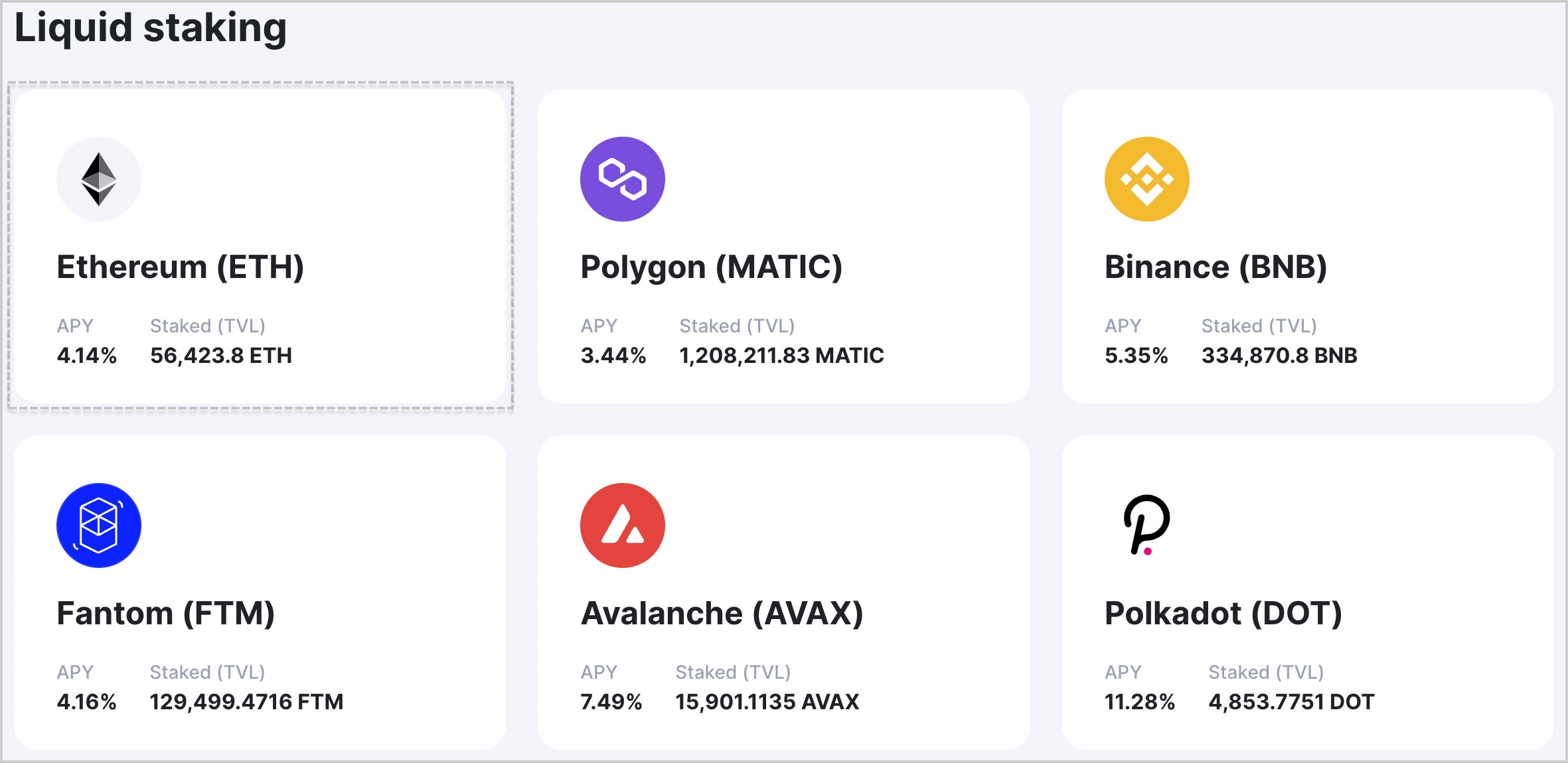
- Locate the Ethereum (ETH) box and click Stake in it.
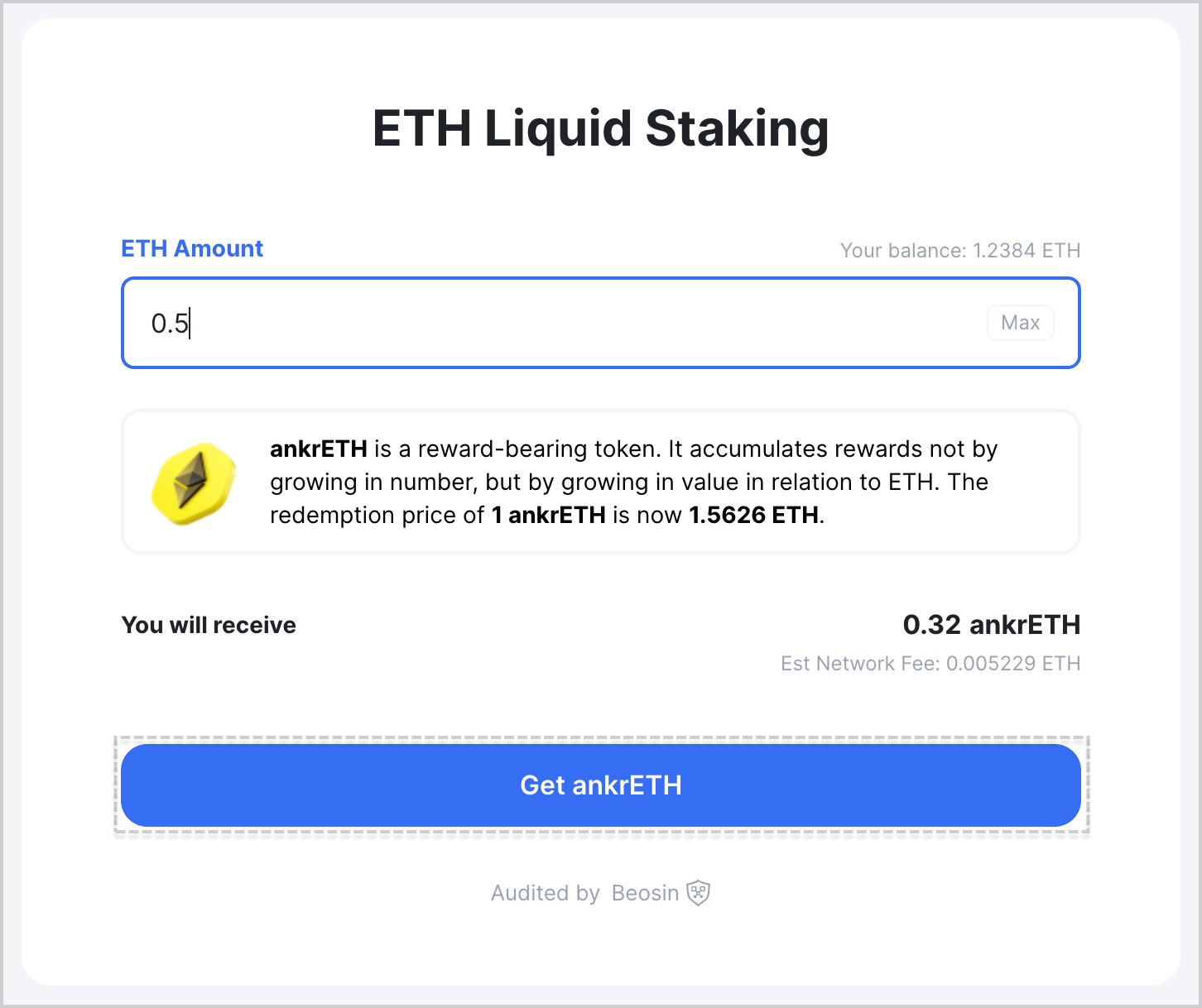
- Enter the desired amount of ETH to stake and click Get ankrETH (ex-aETHc).
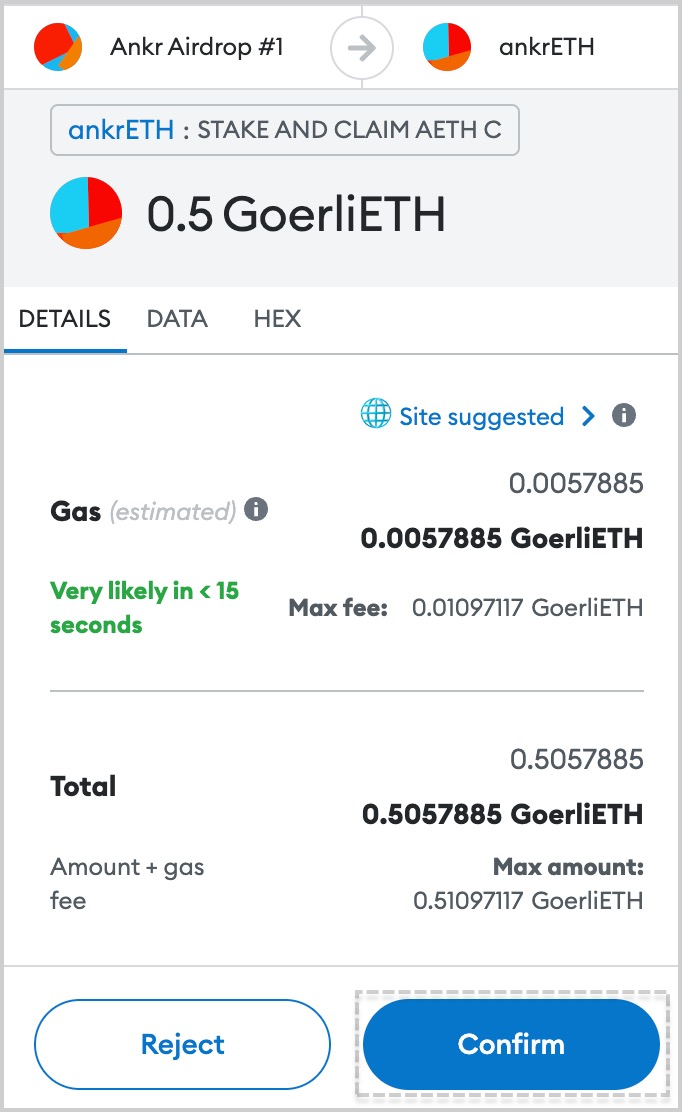
- Confirm the transaction in your wallet.
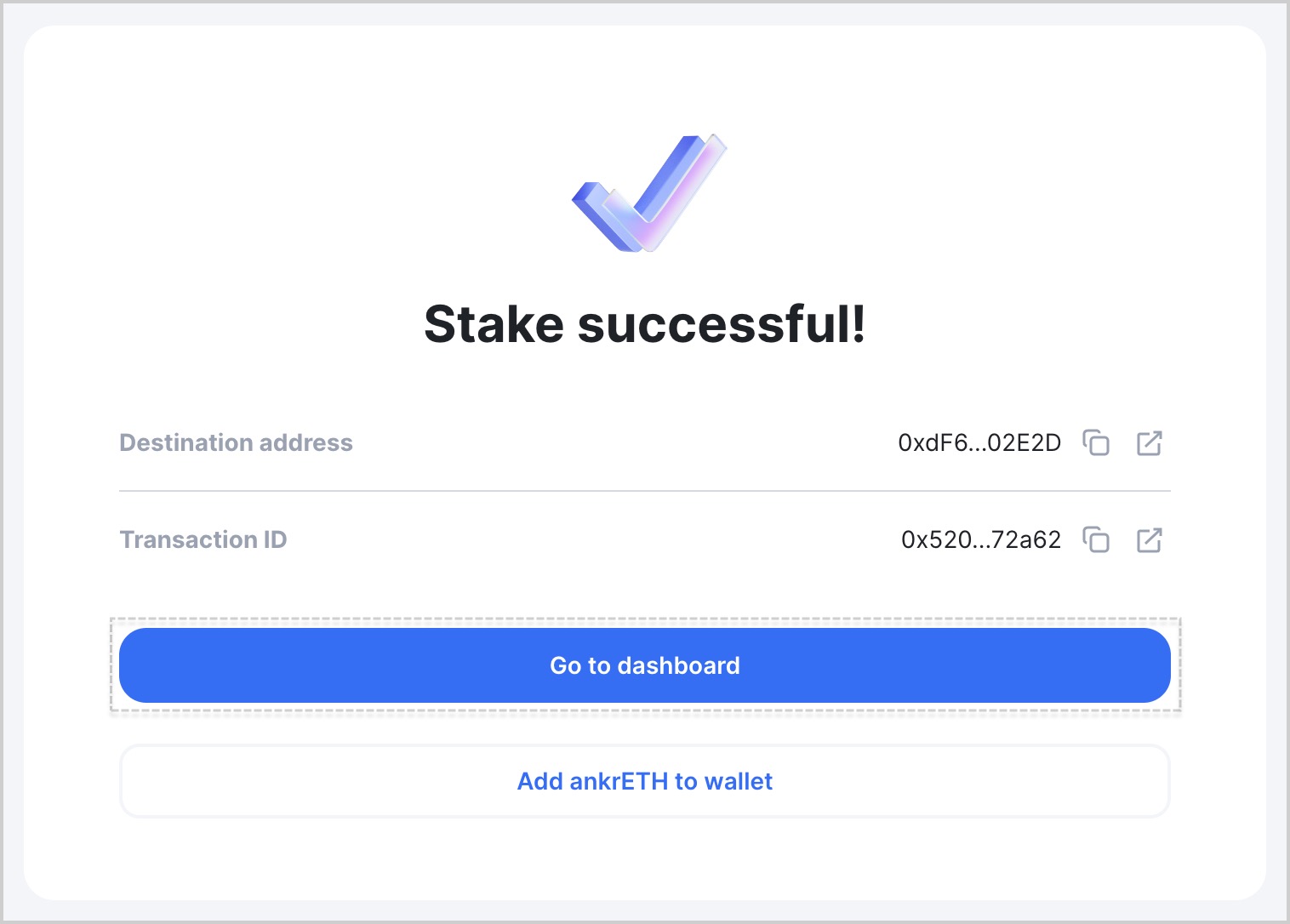
- Add the liquid staking token to your wallet, clicking Add ankrETH to wallet.
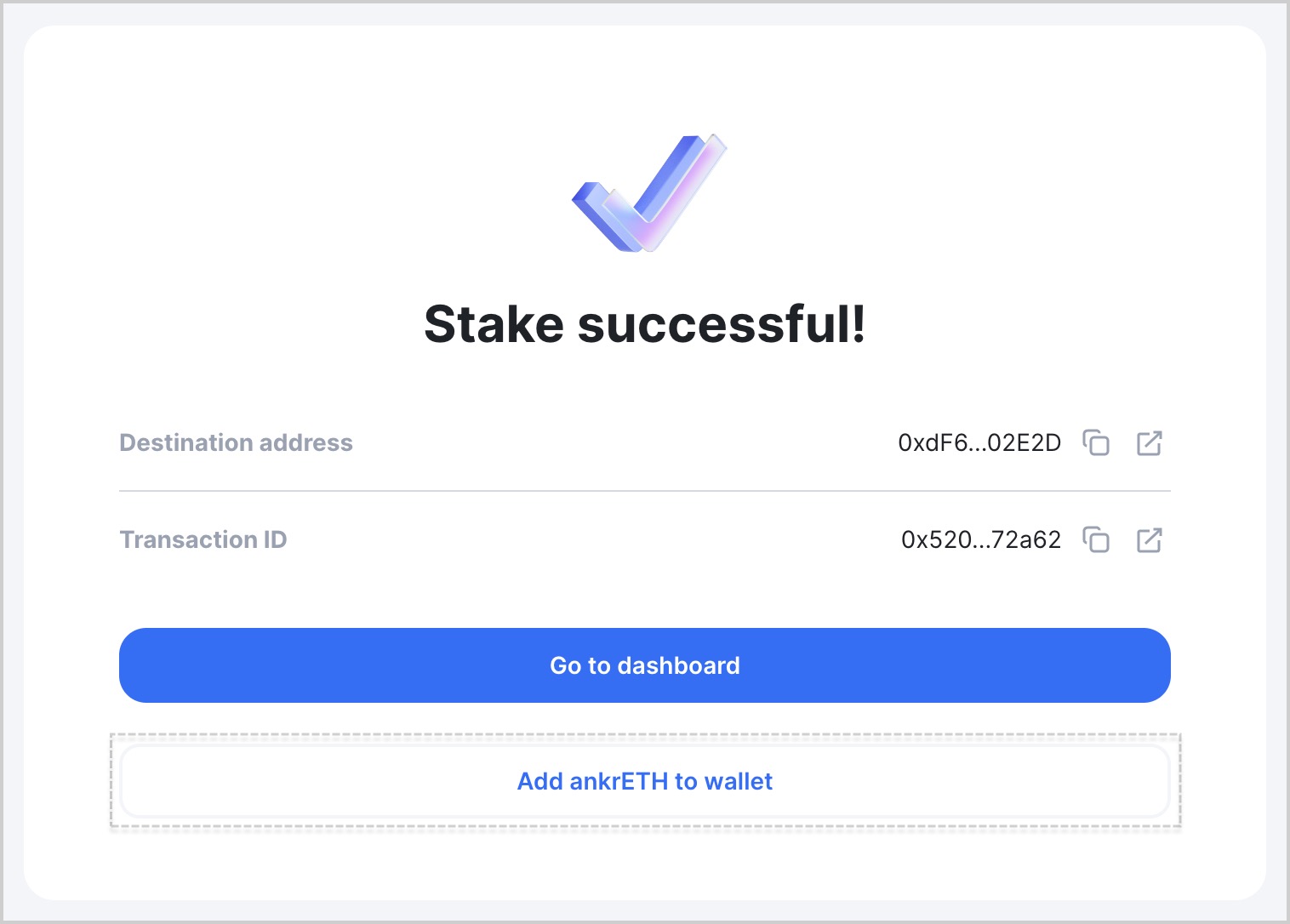
- Click Go to dashboard to see the added token. You may need to wait a little for the transaction to finalize and Dashboard to automatically update.
tip
To reflect your staking rewards, your ankrETH keeps growing in price to ETH, never changing in number.
To get more yield out of your Liquid Staking tokens, visit Ankr DeFi.
Don't see your ankrETH balance?
If you don't see your ankrETH balance in your wallet:
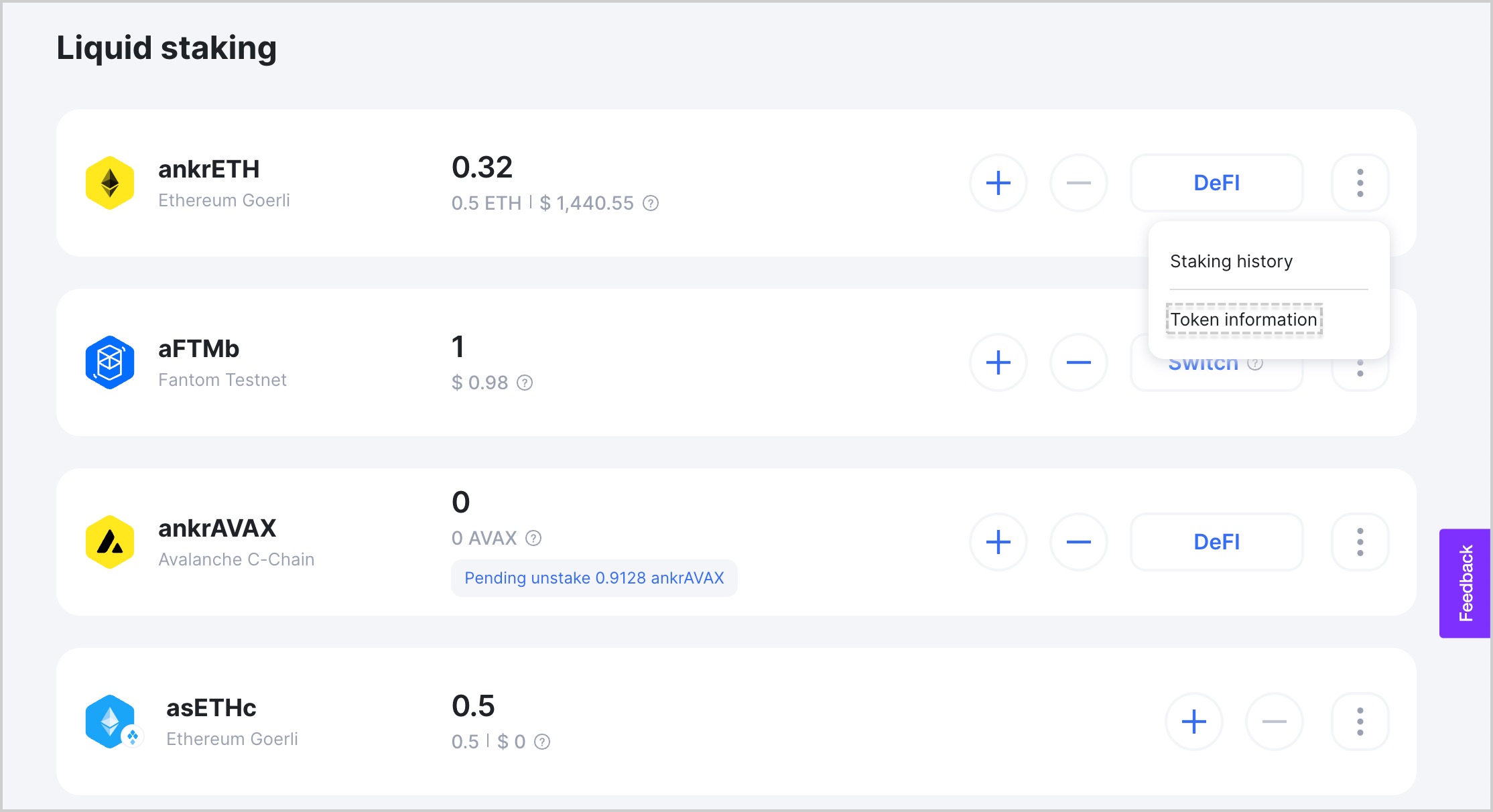
- Visit Ankr Staking Dashboard.
- Find your liquid staking token, click the three-dot menu, and click Token information.
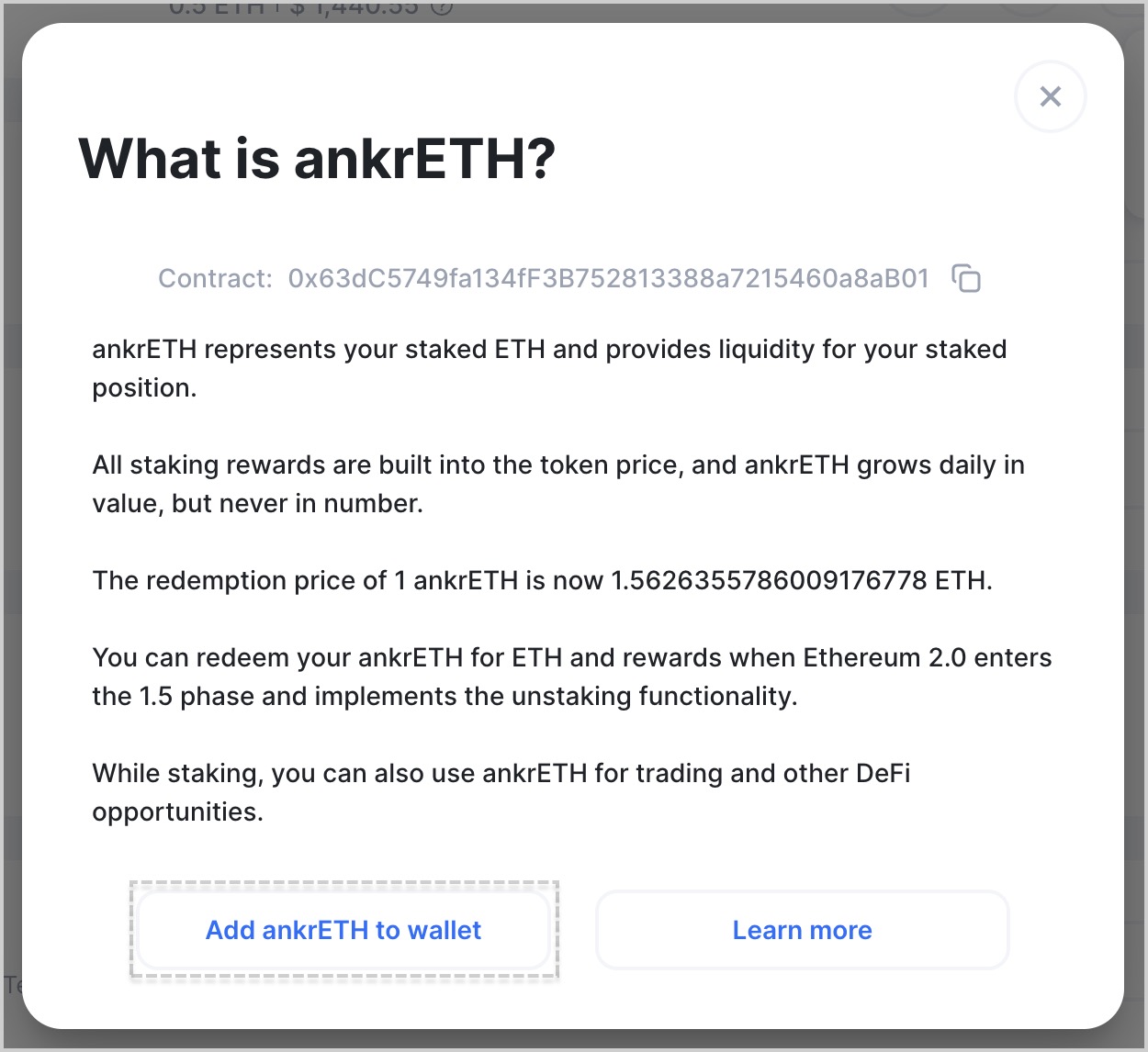
- Click Add ankrETH to wallet.
tip
You can also manually import the token in your wallet and copy&paste the Contract address while doing it.